11
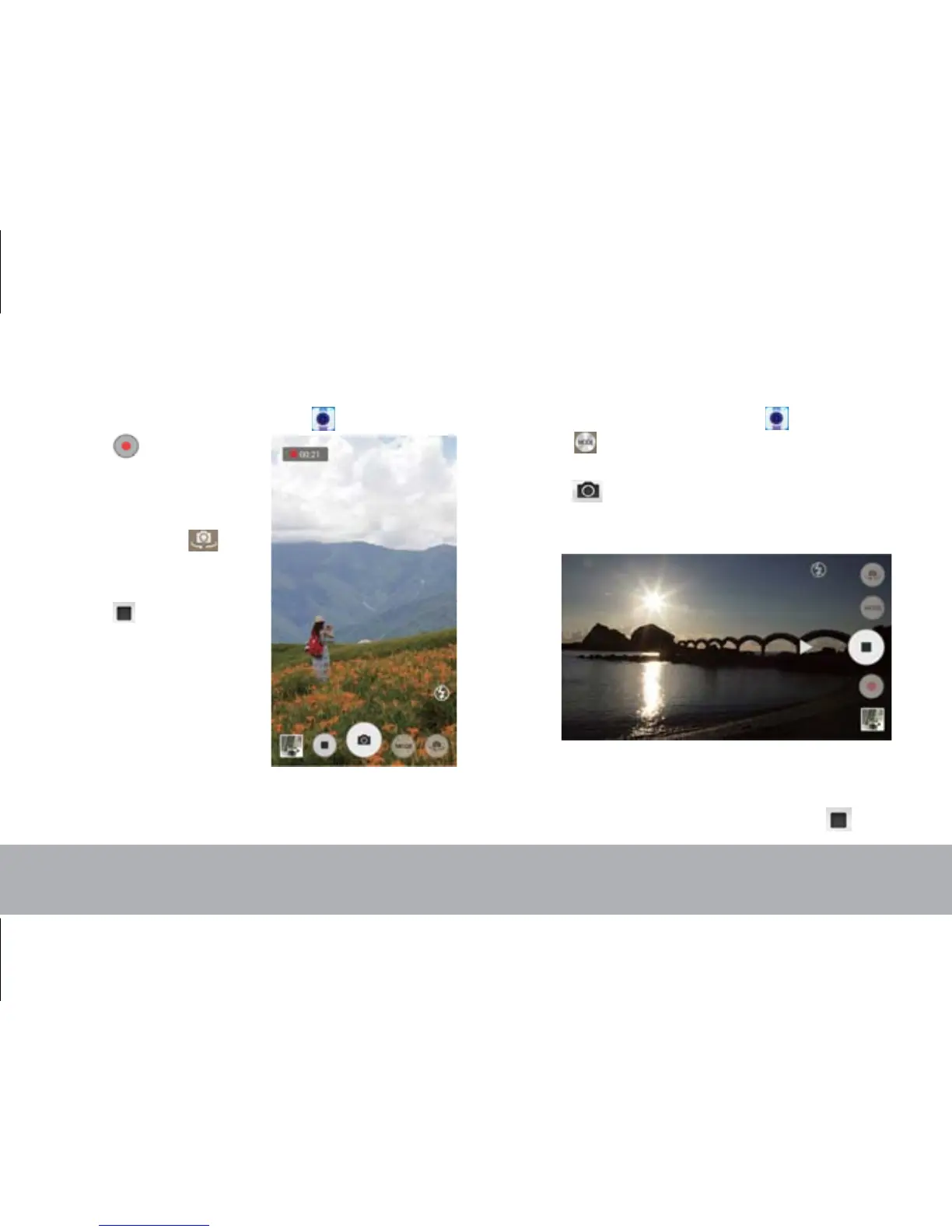
To record video
1.
From the Home screen, tap .
2. Tap to enter video
mode.
NOTE:
To switch
between front and rear
cameras, tap .
3. Aim the device at the
subject.
4. Tap to stop
recording.
To take a panorama shot
1.
From the Home screen, tap .
2. Tap and select
Panorama
.
3. Aim the device at the subject.
4. Tap to take the shot.
5.
Move the device slowly toward one direction
shown on the screen.
6. W
hen the shooting guide reaches the end of the
shooting point, the shooting ends. You can also
manually stop recording by tapping .



 To Next Page