Dia
Dia
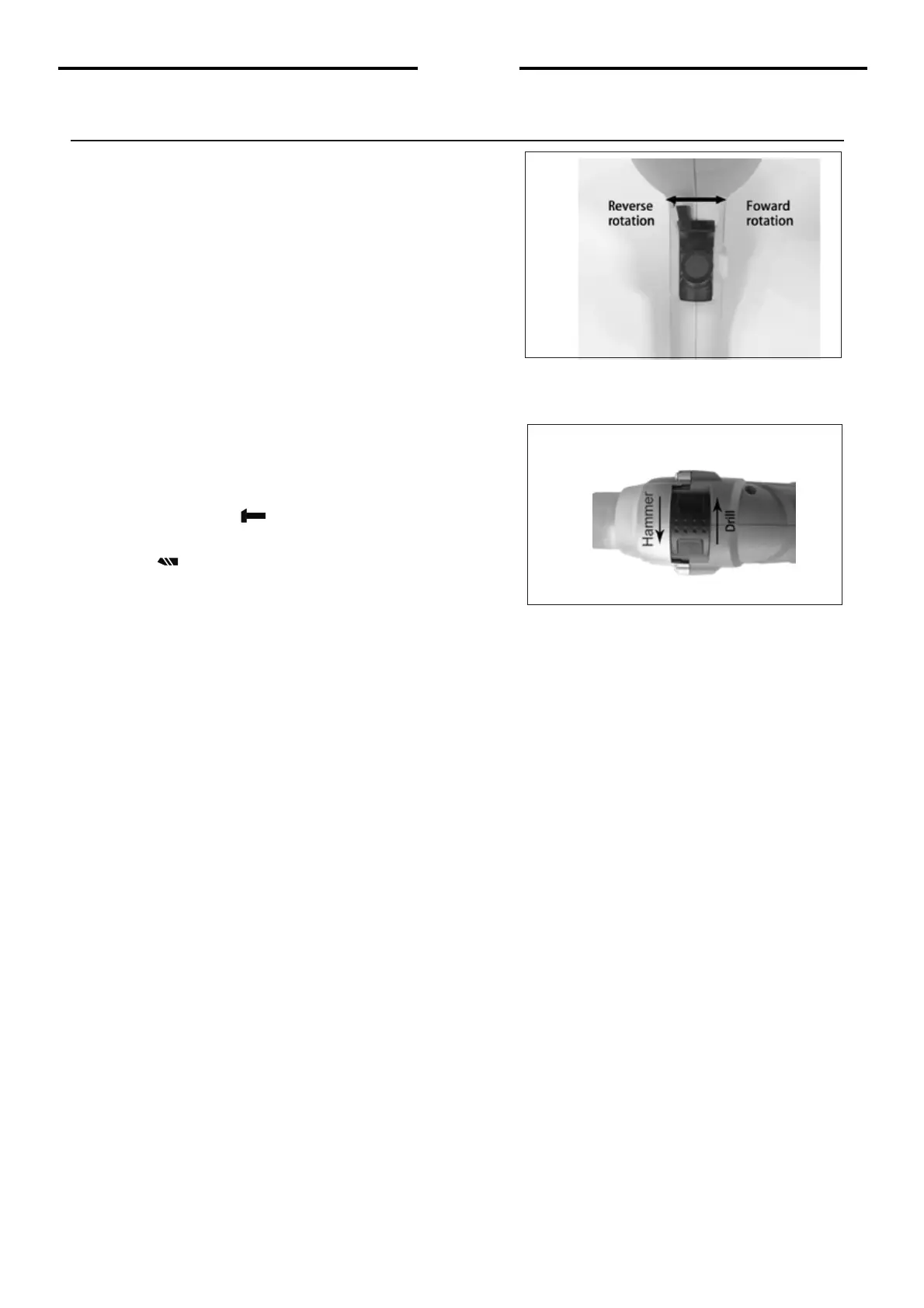
Changing rotational direction (see Dia)
To change the rotational direction, push the
forward/reverse selector switch to the "R "
position indicated on your drill. The rotation
will now b e forward rotation. Push the
forward/reverse selector switch to "L" position
indicated on your drill. The rotation will be
reverse rotation.
Note: Never move the forward/reverse
switch whilst the drill in operation or the
on/off switch is locked as this will damage
the drill.
Drill/Impact action switch (see Dia)
When drilling masonry and concrete push
the drill/impact action selector switch into the
hammer position " " . When drilling wood,
metal, plastic push the switch into the drill
position " ".
Operation


 To Next Page