HOW ADD MUSIC IN THE PLAYER?
User manual
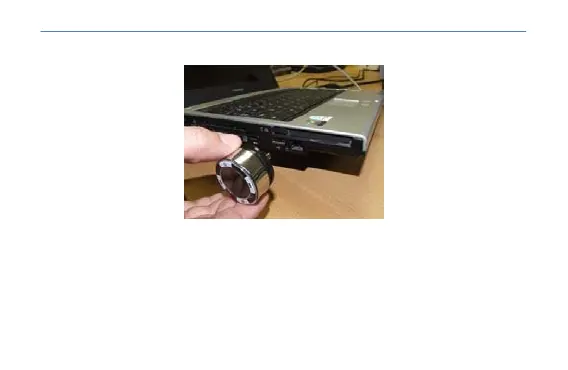
1 .- Plug the device into the USB port of your computer. See picture below for example:
2 .- Open "My Computer" and locate the new unit that will appear in your system.
3 .- Copy the songs that you want in MP3 or WMA format to play within this unit.
4 .- Once you have copied all the songs, you can disconnect it from your computer. The device is
ready to use in your home or car.
HOW IT WORKS IN THE CAR?
1 .- Boot your car to allow the implementation of his car radio and MP3 player.
2 .- Look at the way your car radio free radio emission. To recognize, locate all the frequencies
5



 To Next Page