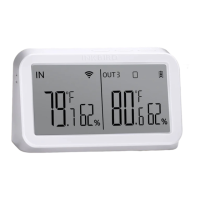
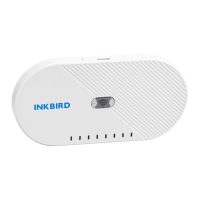
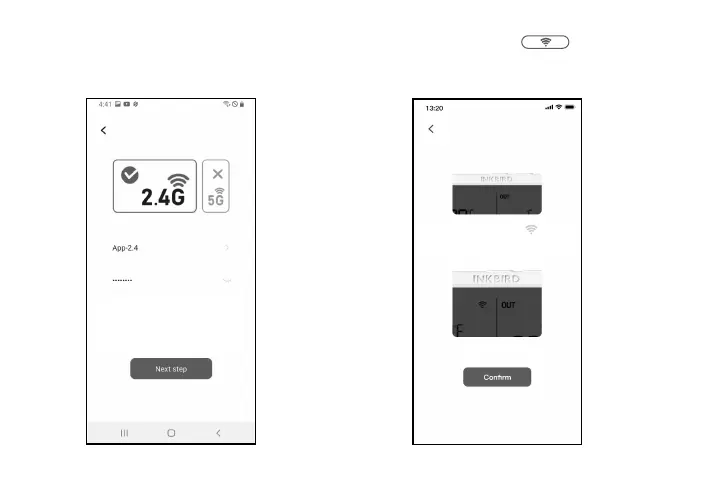
3.3.3 Select the Wi-Fi to connect to, enter
the password, and click Next Step to
continue.
3.3.4 Press and hold the button on the
device until the Wi-Fi indicator flashes to enter
the pairing state, then click Next Step to
continue.
- 06 -
Please press and hold the button
for 5 to 8 seconds to let the indicator
light enter the connection state.
Please select the WiFi you want to
link and enter the password
If you do not have a password,
you do not need to enter it.


 To Next Page
 Loading...