2
1.3 Basic Operation
1.3.1 Main Page
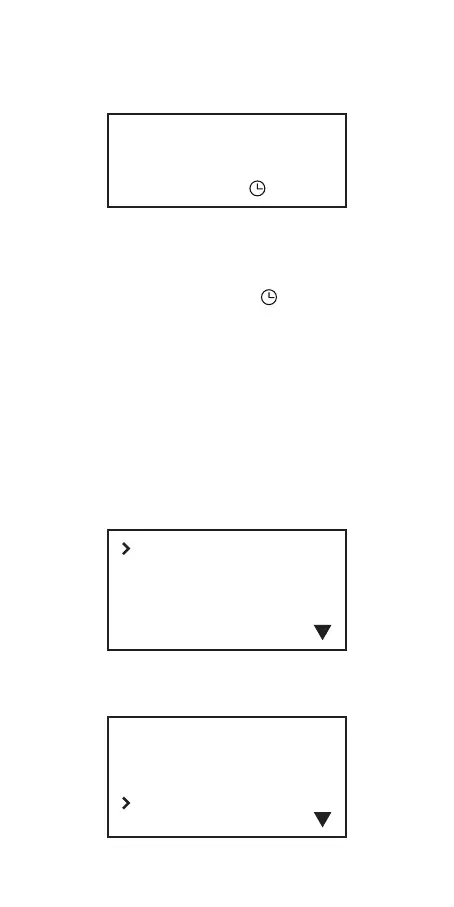
Home Screen
P1:Current Grill Temp T: Target Temp
P2: Food Temp F: Fan Power%
P3: Food Temp : Timer Indicator
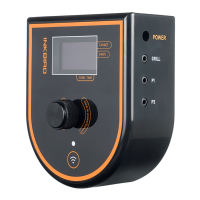
Place the smoker controller on a stable and
firm surface. Let the controller gradually
increase the temperature, it will take 30-45
minutes to stabilize the grill temperature.
1.3.2 Menu Setting
Click the Knob to enter Main Menu.
Select “Reset” from the main menu to reset
the current running mode.
P1: 210
P2: 130
P3: 95
T: 225
F: 10
01:22
BBQ
Manual Fan
Set Alert
Reset
BBQ
Manual Fan
Set Alert
Reset


 To Next Page