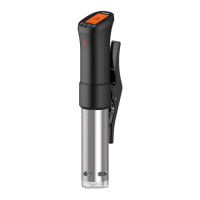
3
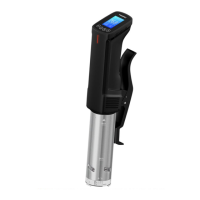
Set button :
Quickly press:switch temperature and
time settings, if on the page of recipe
guide and configuration, can be used to
switch options.
Long press (3s):enter the page of recipe
guide; in addition, you can save the config-
uration and exit on the configuration page.
-/cfg button :
Quickly press:set the temperature and
time for decrement adjustment
Long press (3s):enter the configuration
page, there are temperature unit switching,
meat thickness unit switching, tempera-
ture probe correction; when setting
temperature and time, long press can
reduce quickly.
+/ wifi button :
Quickly press:set the temperature and
time for incremental adjustment
Long press (5s):reset wifi(ISV-100W), if
LCD shows that the wifi state is flashing,
SET


 To Next Page