INKBOOK PERSONALISATION SETTINGS
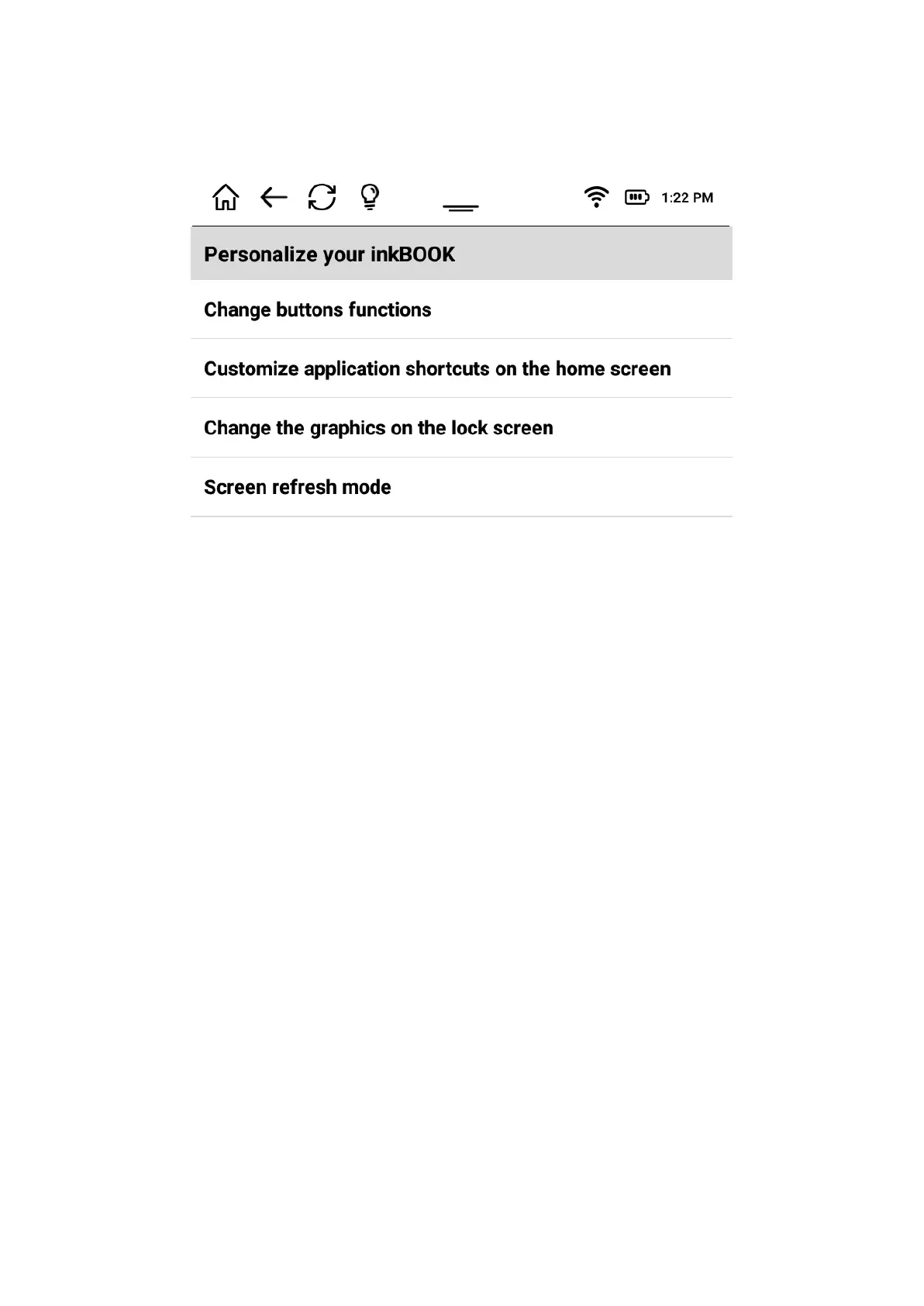
Allows to personalise your inkBOOK
You can change the keys settings, depending which hand you prefer to use for flipping
pages, redefine them as you like.
You can change the applications that are displayed at the bottom of the home screen
in order to have easier access to your favorite ones. Just choose the ones you like and
define in which position you want to have them.
The lockscreen (sleep mode screen) may display a picture you like. Just change the
graphics to your preference. Please choose one from pictures displayed on screen. If you
wish to add your picture, please remember to adjust it first to exact resolution size of your
inkBOOK screen.
Choosing the preferred screen refresh mode may be sometimes important. Please note
that E Ink screens refresh partially, but also need to proceed a full refresh every certain
interval. You can set this interval in:
- pages - full refresh will be performed after a number of them,
- time - full refresh after chosen time.
If you do not have a very special needs we do recommend to stay on “30 pages refresh”.
READING SETTINGS
Allow to set up reading settings that will be performed when ebook is open.
- Show time left to finish - shows the time left to the end of book
- Show reading progress - displays reading progress in % or by drawing a line


 To Next Page
 Loading...