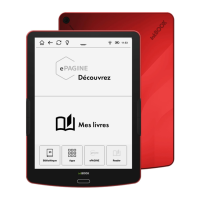
SEND A BOOK TO YOUR INKBOOK
If you wish to have a quick and easy way of transferring e-books that you have just
purchased to your inkBOOK, this tool is for you. After accepting the terms of use your
inkBOOK will create for you an e-mail address (please be connected to WiFi during that
process) to which you can send an e-book as an attachment. You can copy it or scan the QR
code with that address.
Then just synchronise your device and the e-book will be waiting for you on home screen
and in Library
Some content providers and services do have “Send-by-mail” service on their websites, so it
is enough just to type your Send-to-inkBOOK e-mail.
MORE SETTINGS
Allow to access more advanced options


 To Next Page