Please stay connected to the Internet while performing the next steps.
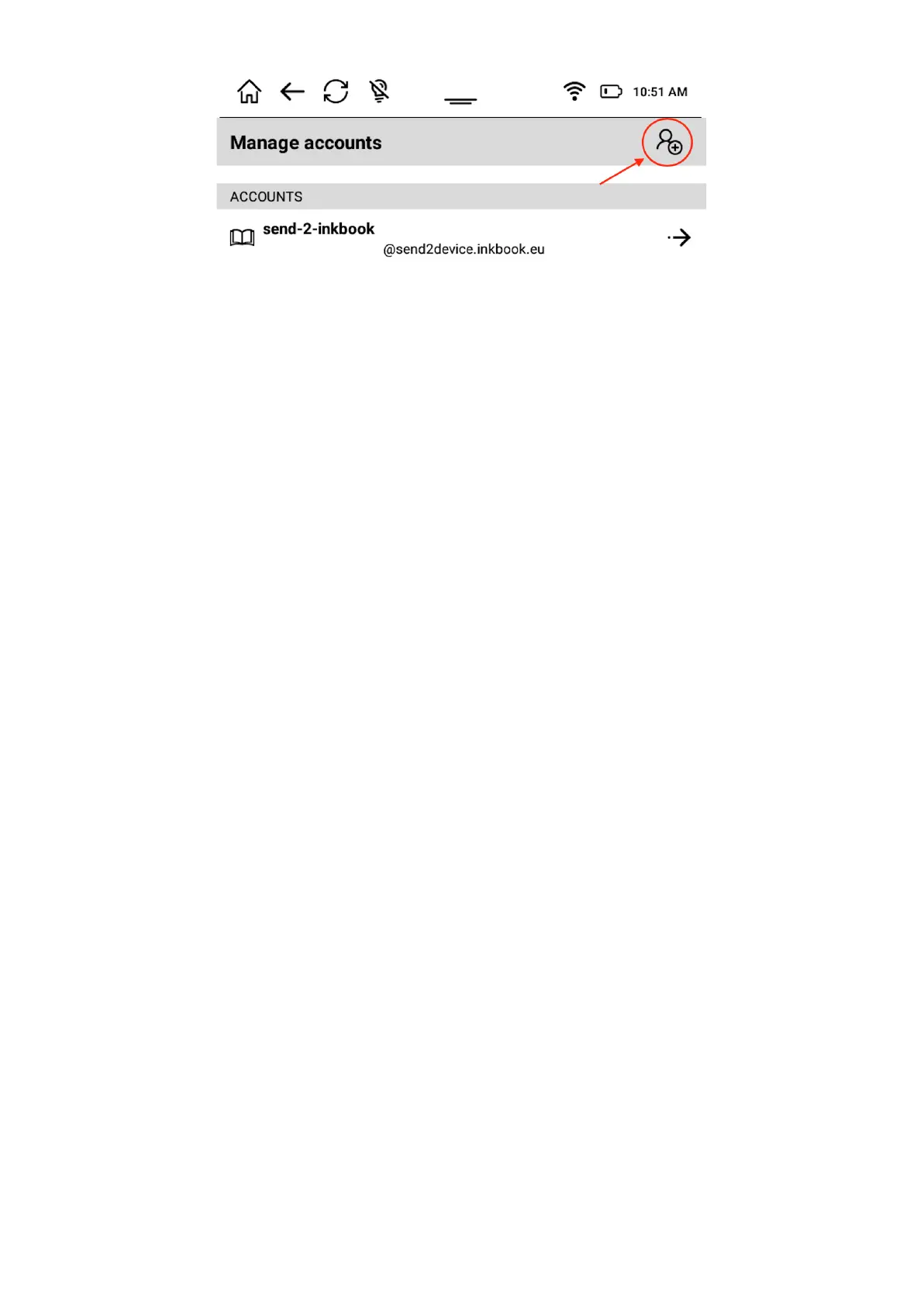
Next choose account type (Adobe ID)
Now you can find your library or bookstore from the list on the screen, enter you e-mail and
password.
Once your account will be created and you will be logged in, your ebook collection will be
synchronized on the device.
Please remember that only ebooks with valid tokens which not yet expired will be available.
MEMORY
Allows you to access memory/ storage information on your inkBOOK. If SD card is inserted it
will also show the information about it.
LANGUAGE AND KEYBOARD
Allows you to change the language of the user interface (Menu), as well as set up a
preferred screen keyboard.
The default Android Keyboard is detecting the chosen interface language and adjusting itself
to that language.
DATE AND TIME
Allows to set up the date and time and a way it is synchronized with your inkBOOK.
RESTORE FACTORY SETTINGS
Erases everything on your inkBOOK and sets it back to factory settings. Please note that this
action will erase completely the whole storage memory together with SD card (when inserted
into device). This function is irreversible.
APPS MANAGER
The Apps Manager is a tool to manage the applications that are installed on your inkBOOK.
From here you can restore them by erasing their data, grant or cancel the accesses for
applications or completely remove the ones you do not use. This tool works exactly as every
Android Applications Manager.


 To Next Page
 Loading...