MANUAL
Here you can find a whole User’s Manual (exactly this one you’re reading right now).
inkBOOK INFORMATION
Here you will find all information about your inkBOOK, serial numbers, firmware, android
kernel and compilation version, legal information as well as your device status information.
By clicking on the “System updates” you can check if your inkBOOK has the latest firmware
installed.
Chapter 2 Navigation
Home Screen
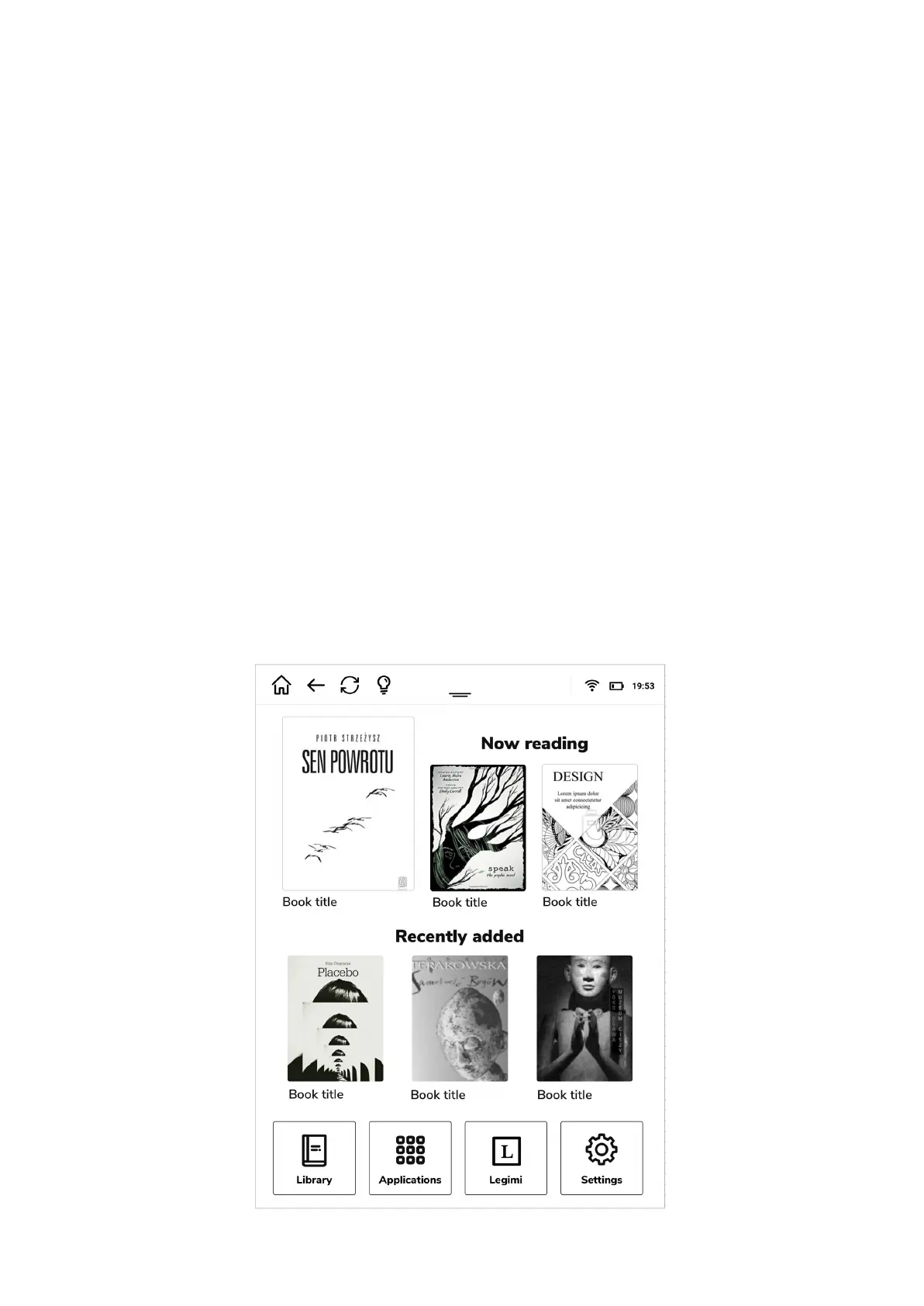
On the home screen of your inkBOOK you will find 4 information zones, 2 of them are up
and down toolbars with essential status info and quick access to main settings of the device,
and 2 of them in the middle with the information about reading status.


 To Next Page