Toolbars
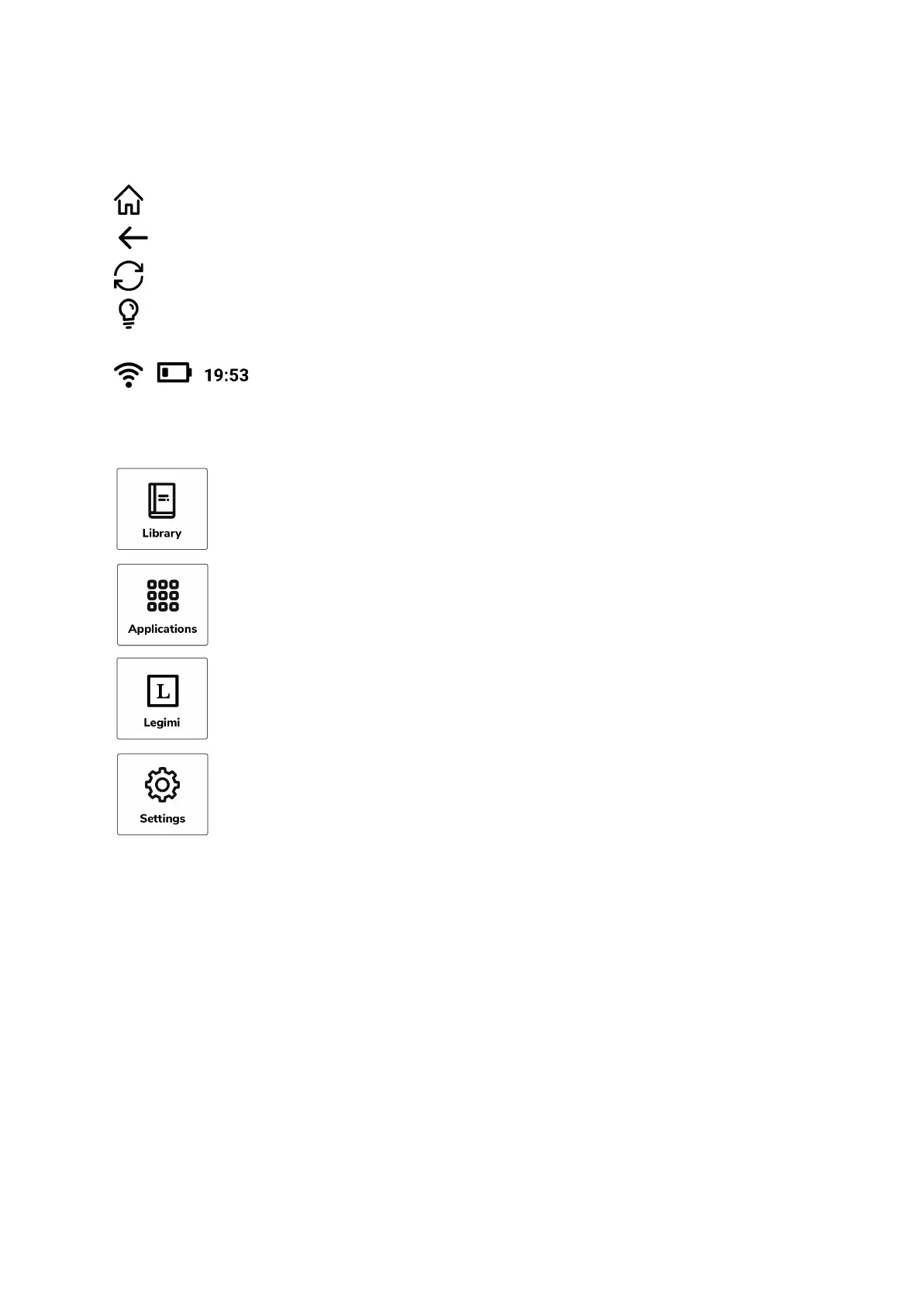
The TOP toolbar gives you possibility to:
Quick direct return to home screen from any other screen on your inkBOOK.
Return to previous screen
Immediate page refresh
Access to front light settings
Information about Wifi and battery status, hour
The BOTTOM toolbar gives you possibility to access:
Library - a place where all your books are
Applications
Your favorite app without going through applications
Settings
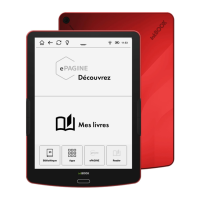
Tap Zones
The upper zone allows you to restart reading of your recent book (on the left) or the ones
you have been opening just before.
The lower zone shows the books you have recently added on your device.
You can open your e-book either from “Now reading” or “Recently added” sections.
PLEASE NOTE, that in some cases the Tap Zones may differ. Especially if you purchase
your inkBOOK with extra services.


 To Next Page