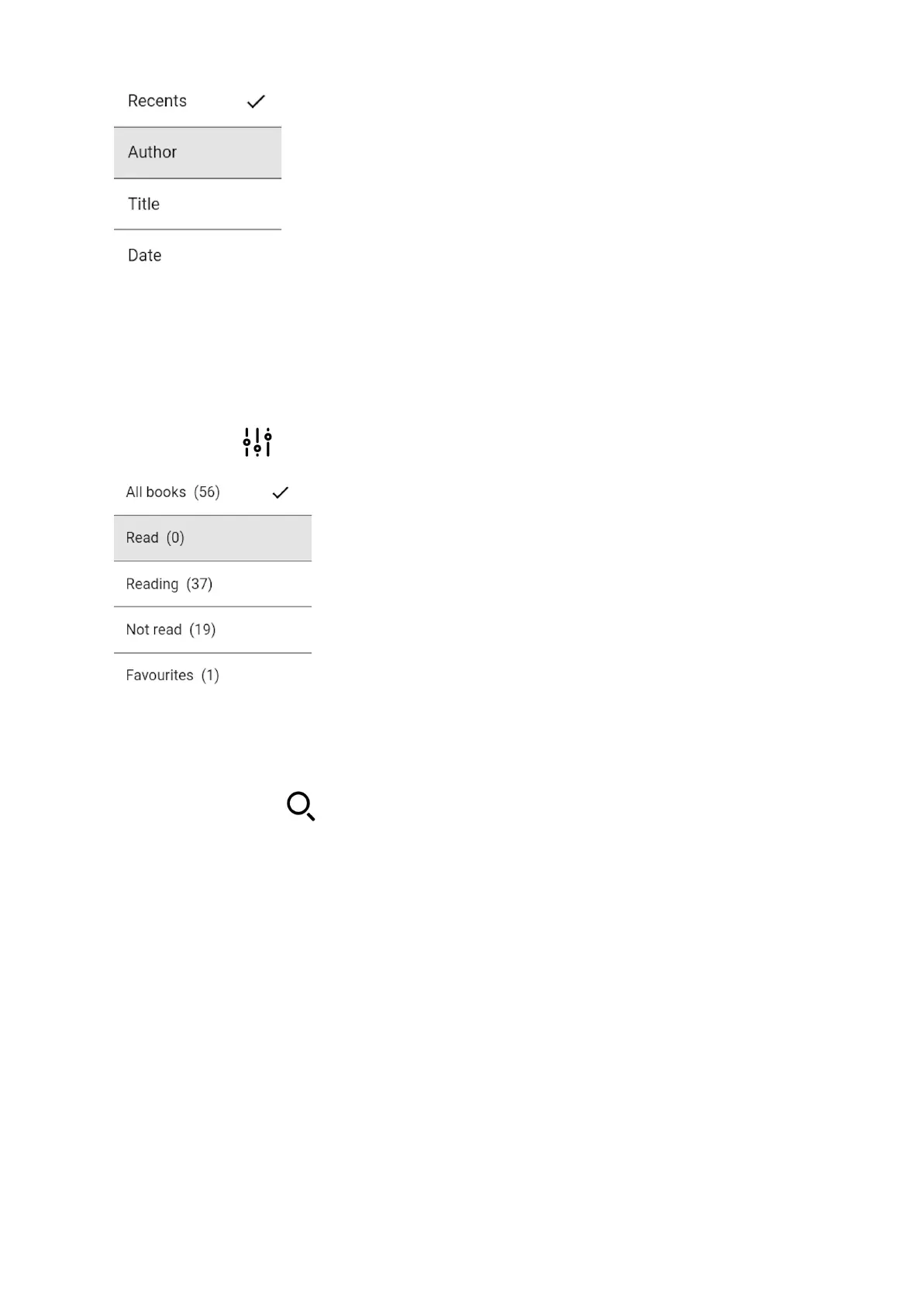
Filtering
While managing big collections, filters for more accurate results may be useful. In order to
apply filter press button and choose filter option.
Finding
If the book you have just added is not there yet, you can search for it by clicking on the
magnifying glass icon .
Accessing a title menu
As you can see on the picture below when books are displayed as bars, there is a lot of
information you can get. After a cover your inkBOOK will display a title, an author and a
format of the e-book file.


 To Next Page