Getting Started with the EXPLORER 700 Page 5
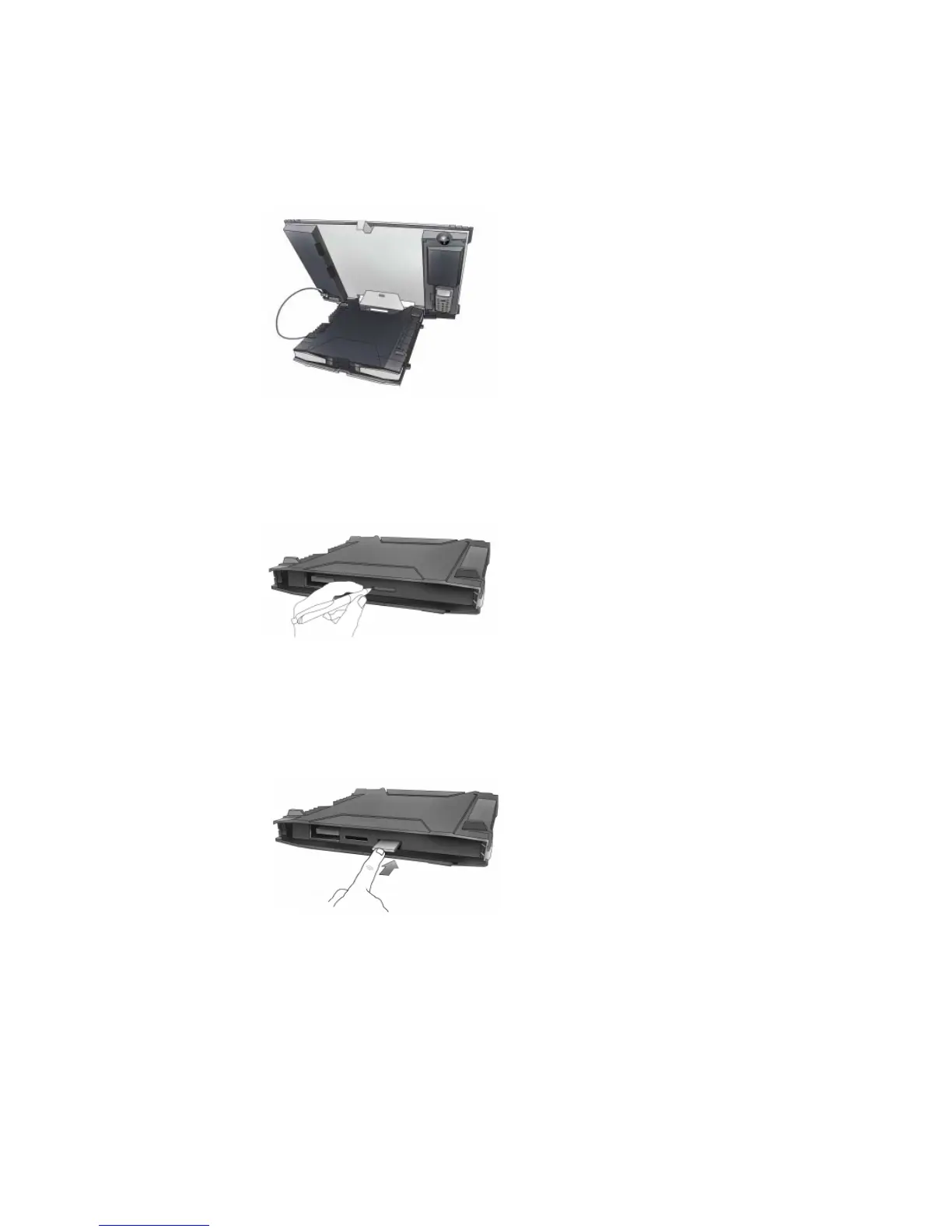
b. Flip up the antenna module and access the keypad and connectors as shown below:
Note If required, you can detach the transceiver from the antenna, and use both components
separately. Refer to the EXPLORER 700 User Manual for details.
c. Use a pen or similar object to press the eject button at the SIM slot marked USIM#1, and
release the SIM card holder. The SIM card holder is a small plastic frame designed to hold the
SIM card.
d. Place the SIM card into the SIM card holder, with the printed side visible.
e. Insert the holder containing the SIM card into the SIM slot marked USIM#1. Position the holder
with the printed side facing down.
f. Press gently until it snaps into place.



 To Next Page