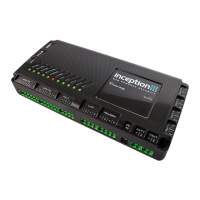
Quick Start Guide
Connect and plug in the power cord
Begin commissioning
• You have successfully connected
to your Inception Controller
• To commission the system, it is
recommended that you use the
Commissioning Checklist, which will
guide you through the entire
process from start to nish
Quick Start Guide
1
Wait for the Inception Controller to start up
• Initially, the POWER LED will turn on indicating power is being supplied
to the controller
• During startup, the LEDs will light up in order from left to right to show progress
• The controller is ready when the SYSTEM LED is ashing
2
5
Log into the web interface
• Once connected, you will be
presented with a login screen
• The default Installer
credentials are:
Username: installer
Password: installer
PIN: 01
4
Inception, SkyTunnel and SIFER are registered trademarks of Inner Range Pty Ltd.
Product specifications subject to change without notice. Pictures shown may vary from actual product.
© 2016 Inner Range Pty Ltd all rights reserved.
Part Number: 636300QS February 2016
D
E
S
I
G
N
E
D
I
N
A
U
S
T
R
A
L
I
A
240V AC
Simple & Easy Installation
Integrated Security - Access Control
For more information, visit www.innerrange.com/inception.
There you will nd installation guides and videos to help you
get the most out of your Inception System.



 To Previous Page