6
4.3 Crop Preview Picture or Auto Resize Picture
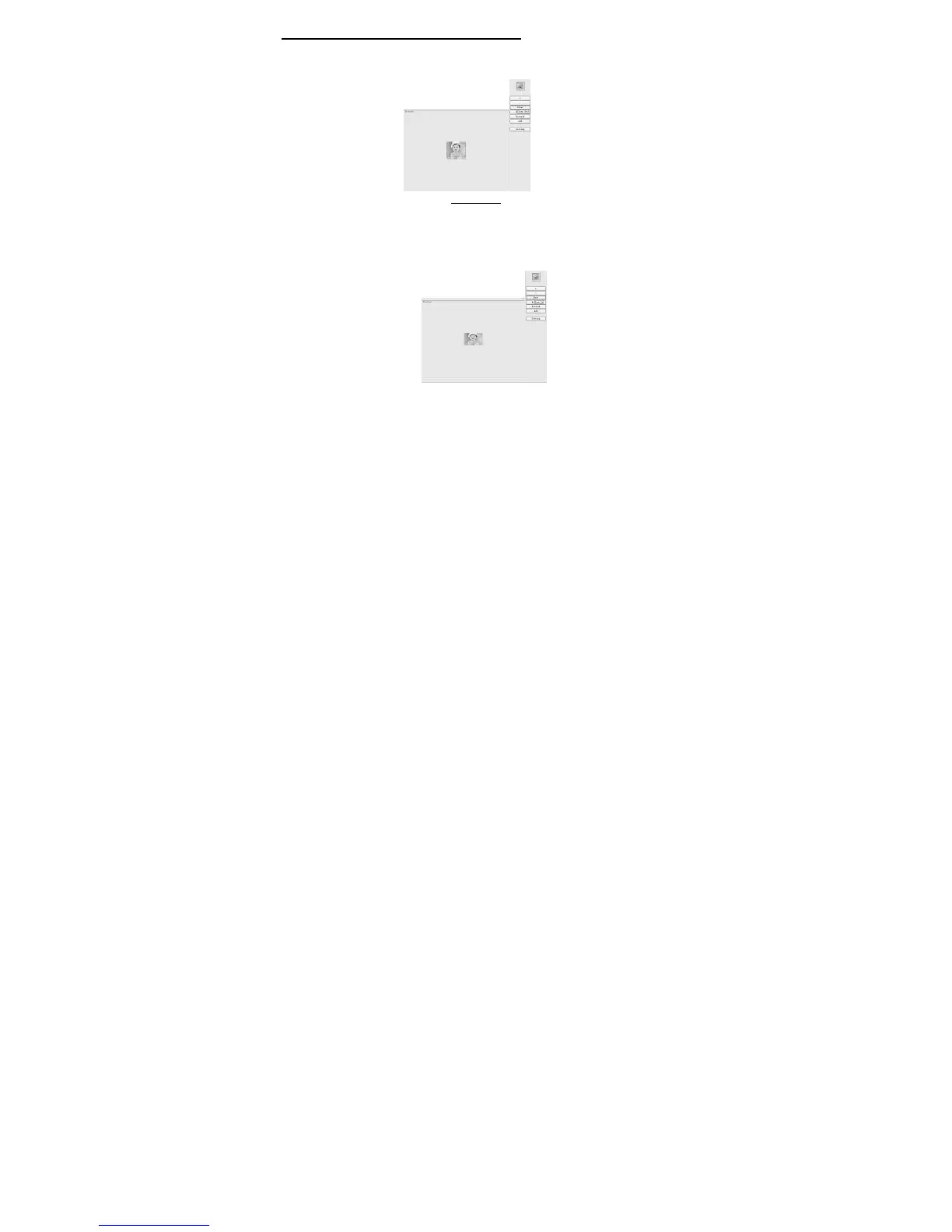
There are pictures that DPF Mate can be used with the “Crop Frame” to crop. The
“Clear” button erases the selected rectangle on the displayed picture, as shown
Picture 4 below.
Picture 4
Click on “Clear” button, to change the displayed picture size. This will
automatically change the picture to be as big as the keychain photo frame’s LCD
size. After using the “Clear” function, the “Clear” button to the right of the
displayed picture will turn to “Rect”, for the “Crop Frame” function. As shown in
Picture 5.
Picture 5
Click on the “Rect” button to get the “Crop Frame” back on the displayed


 To Next Page
 Loading...