7
picture (See Picture 4).
Users can click on “Add” button so that the cropped or resized picture that is
displayed will be added into “DPF Pictures Zone” on the right hand side of the
screen can be saved in to the keychain digital photo frame.
4.4 Deleting Pictures from the DPF Picture Zone (edited or cropped pictures)
Select one picture or several pictures then click on the “Delete” button to delete.
Click the “All” button to select all pictures to delete from the “DPF Picture Zone”.
Note:
After deleting pictures and exiting the DPFMate, click on the
“Download” button to update the DPFMate data into the keychain
digital photo frame.
“Save” button: Saves the selected picture from the “DPF Picture Zone” into the
PC.
“Save All” button: Saves all pictures from the “DPF Picture Zone” into the PC.
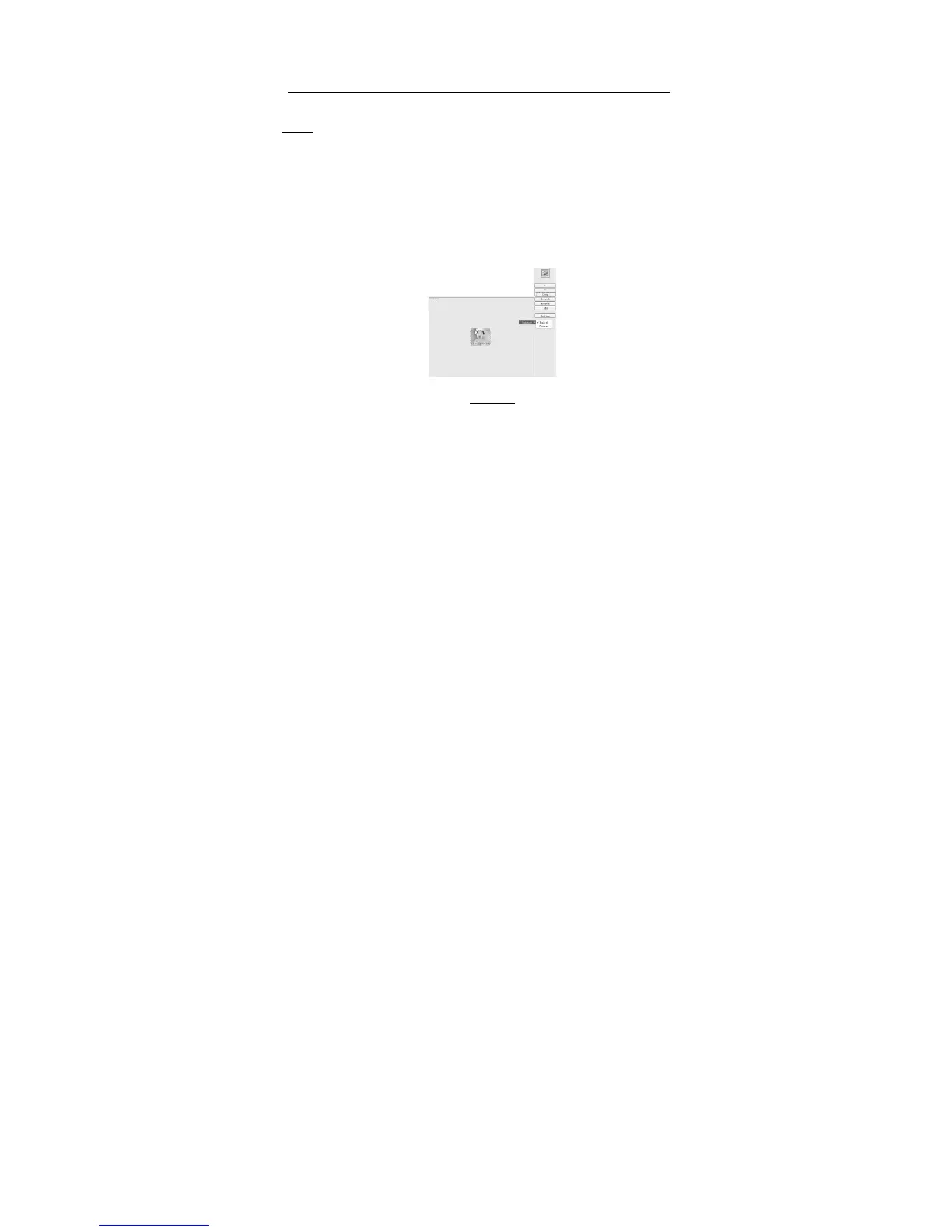
Right click on a blank area of the DPFMate menu, a pop up menu will show the
DPFMate menu language to change, as shown Picture 6, choose from English or
Chinese.
Picture 6


 To Next Page
 Loading...