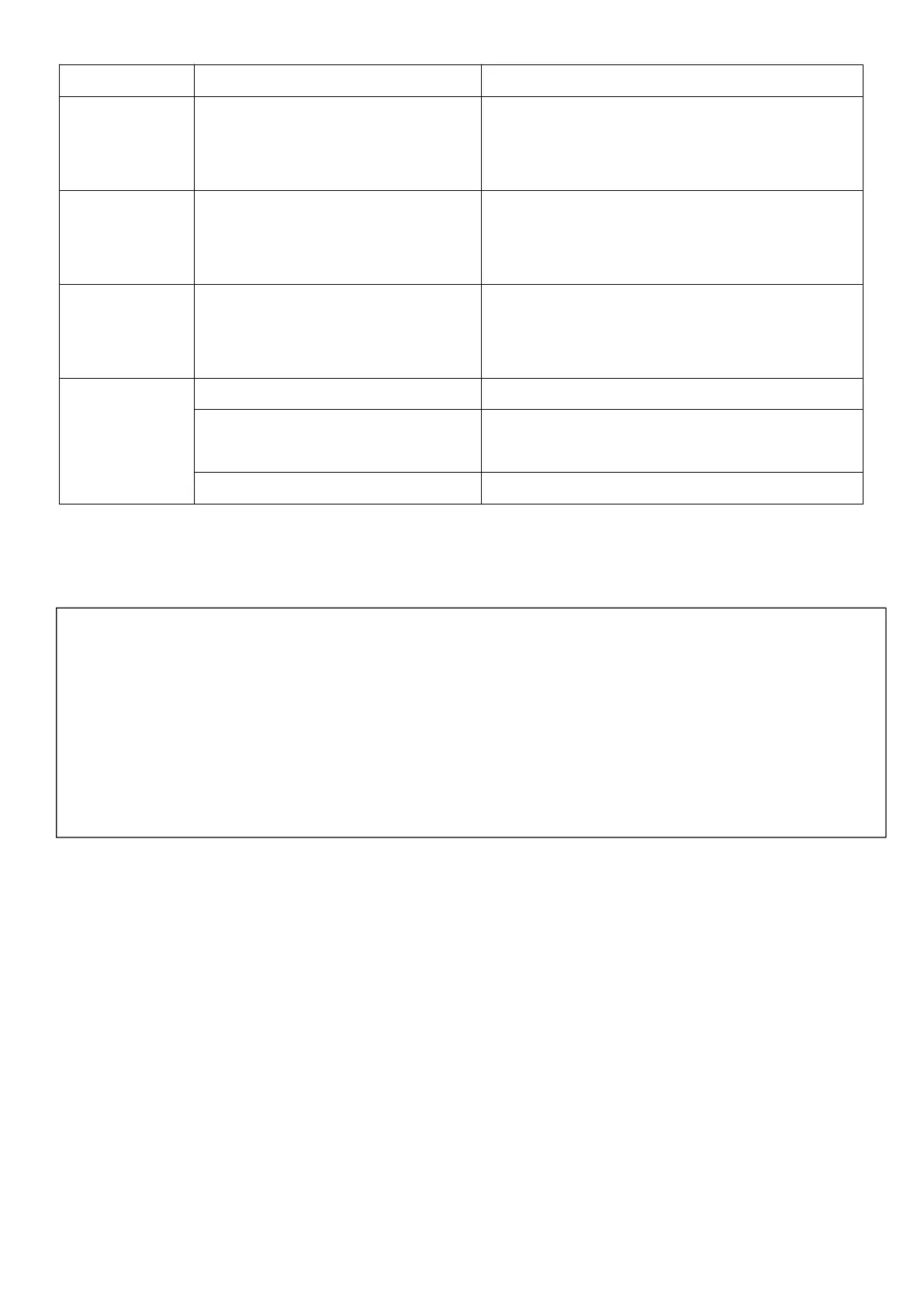
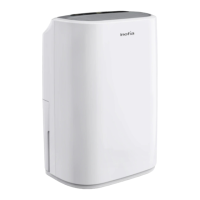
NOTE: When E1, E2, or E4 error displays, you can hear an alarm that could last 15
seconds. In this case, the dehumidifier is still running.
1) Pressing any button on the control panel can release the alarm.
2) Turn off the dehumidifier and unplug it to check if any obstructions.
3) Restart the dehumidifier 10 minutes later.
4) If the ERROR message does not disappear after the restart, immediately contact
Inofia customer service at service@inofia.com.
1. Check the humidity sensor and
ensure it has been plugged in properly.
2. Replace the humidity sensor.
Defrost Temperature Sensor
Malfunction
1. Check the temperature sensor and
ensure it has been plugged in properly.
2. Replace the humidity sensor.
Ambient Temperature Sensor
Malfunction
1. Check the temperature sensor and
ensure it has been plugged in properly.
2. Replace the humidity sensor.
The water bucket has not
been installed properly.
Re-install the water bucket properly.
Replace the float of the water bucket.


 To Next Page