AMTEK Version 7.4 2019-01 Page 32 ©Inomatic 2017-2019
6. LAN CONNECTION
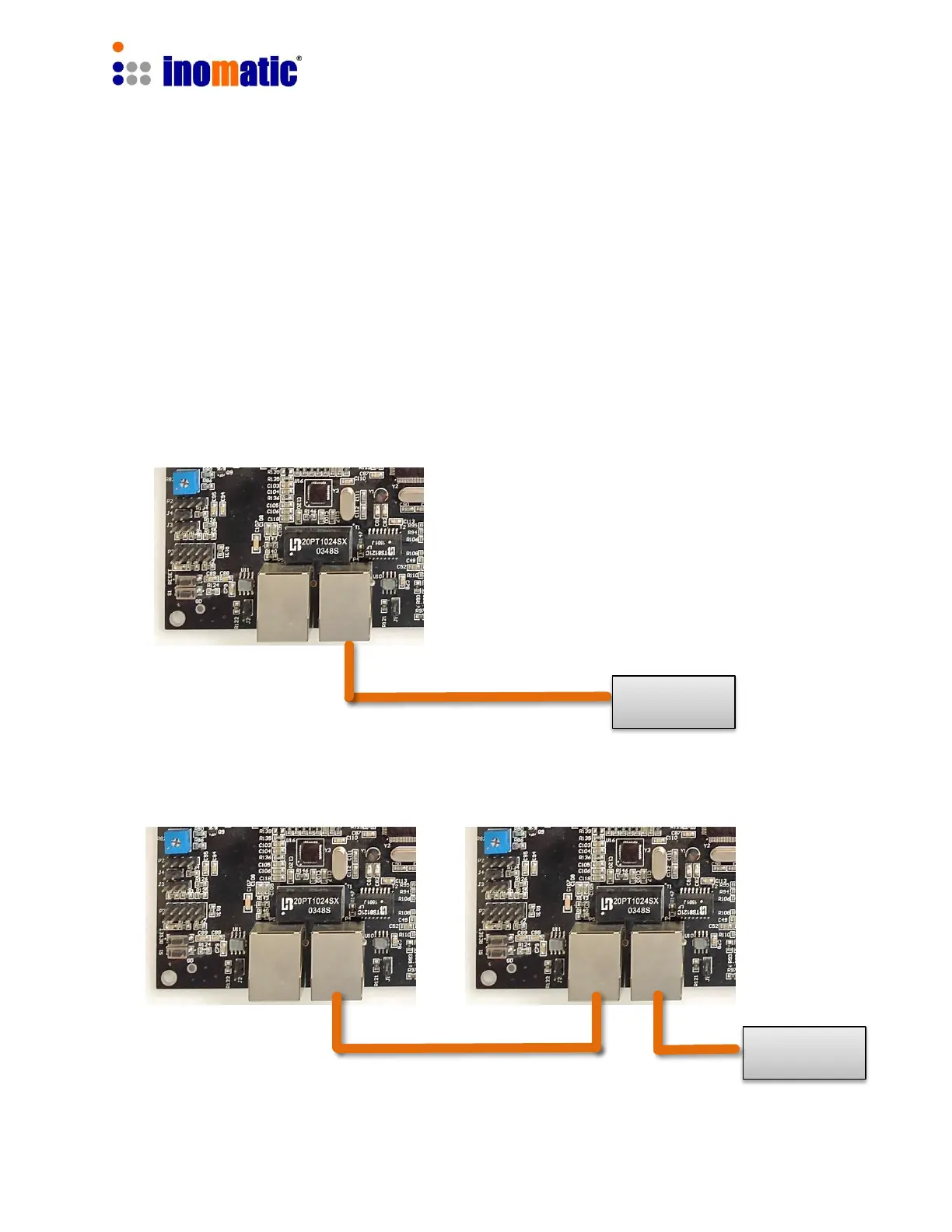
The Pro-Line Processor board V7.4 can be connected directly to the shop LAN via a
standard LAN cable. Usually no setting of the shop router is required.
If the board is connected to the LAN, the following features will be available
via infoNet Cloud
a.) Remote service
b.) Remote monitoring
c.) Visitor counter analysis (if equipped with integrated visitor counter module)
For more set-up information please refer to the infoNet V5 software manual
Connection of 1 Processor Antenna
Connection of 2 or more Processor Antennas



 To Next Page