31
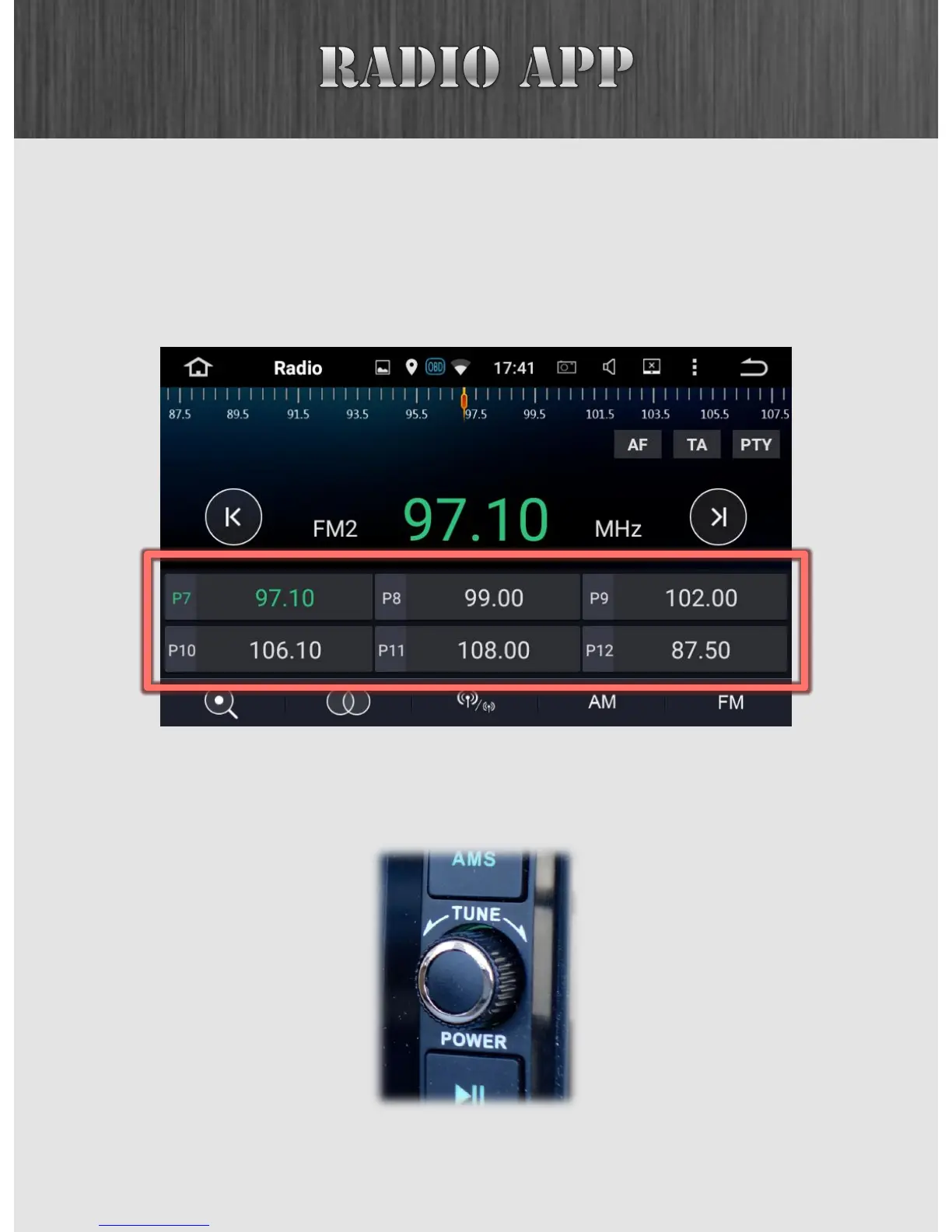
At the bottom half, you have two rows of presets. To set a
preset, simply tune to a station you'd like to preset and then
hold (long press) one of the bottom entries, and it will store
that preset for you.
After setting your presets, you can cycle through them by
turning the right knob.



 To Next Page