EasyManua.ls Logo

Insignia NS-IC87BK6 - User Manual

Insignia NS-IC87BK6
17 pages
Print Icon
To Next Page IconTo Next Page
Loading...
Before using your new product, please read these instructions to prevent any damage.
USER GUIDE
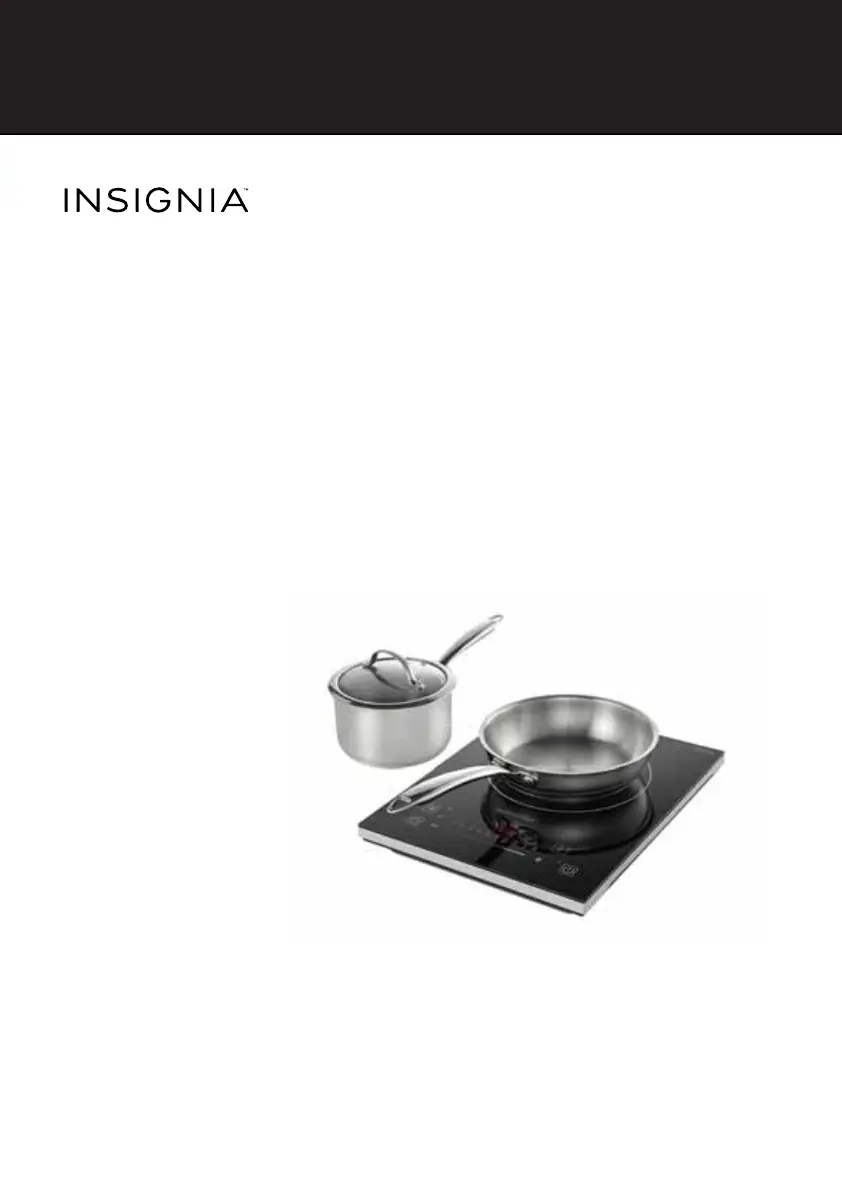
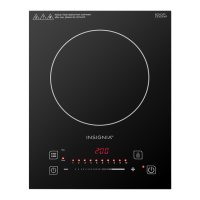
4-Piece Induction
Cooktop Set
NS-IC87BK6
NS-IC87BK6_15-0397_MAN_V2_ENG.fm Page 1 Thursday, May 21, 2015 8:14 AM

Questions and Answers

  • S
    Shannon BradleyJul 27, 2025
    What to do if my Insignia Cooktop suddenly stops heating?
    • T
      Thomas HernandezJul 27, 2025
      If your Insignia Cooktop suddenly stops heating, several factors could be at play. First, ensure that the temperature of the cooking oil isn't excessively high when frying. Next, check that neither the air inlet nor the air outlet of the cooktop are obstructed. Also, verify that the default heating time hasn't expired. Finally, the cooktop's built-in safeguards might have been triggered; in this case, wait a few minutes before reconnecting the power and resuming cooking.
  • D
    Dawn FloresAug 2, 2025
    What to do if Insignia NS-IC87BK6 Cooktop shows failure codes E7 or E8?
    • S
      simmonsdanaAug 2, 2025
      If failure codes E7 or E8 appear on your Insignia Cooktop, turn it off. When the voltage returns to normal, turn the cooktop back on. It should then operate normally.
  • J
    Jo WebbAug 8, 2025
    What to do if Insignia NS-IC87BK6 displays failure codes E3 or E6?
    • M
      Miss Linda Rosales DDSAug 8, 2025
      If you see failure codes E3 or E6 on your Insignia Cooktop, wait a moment, allowing the cooktop's temperature to normalize. Then, press the on/standby button. The cooktop should resume normal operation.
  • D
    Donna NorrisAug 13, 2025
    Why does my Insignia Cooktop display work but not heat?
    • B
      Bradley ConleyAug 13, 2025
      If the “ON/STANDBY” indicator lights and the display works normally, but the Insignia cooktop does not heat, make sure that you are using the correct cookware. Check the “Compatible cookware” section.
  • S
    stevenyoungAug 20, 2025
    How to fix Insignia Cooktop when the indicator and display do not light up?
    • D
      danielmitchellAug 20, 2025
      If the indicator and display of your Insignia Cooktop do not light up after plugging in the power cord and pressing the “ON/STANDBY” button, ensure that the power plug is properly connected. Also, check that the switch, power outlet, fuse, or power cord are not damaged.

Summary

Important Safeguards

General Safety Precautions

General safety rules and symbol explanations for appliance use.

Numbered Safety Instructions

Detailed safety guidelines for operation, cleaning, and handling.

Additional Safety Concerns (1-11)

Specific safety advice regarding heating, water, cookware, and ventilation.

Additional Safety Concerns (12-24)

More safety precautions for pacemakers, damage, placement, power, cleaning, and user capabilities.

Features

Main Features

Using Your Cooktop

Understanding Cooktop Functions

Setting the Cooking Time

Locking and Unlocking Your Cooktop

Compatible Cookware

Cookware Requirements

Details which types of cookware are compatible and which are not.

Cleaning and Maintaining Your Cooktop

Troubleshooting

Common Problems and Solutions

Addresses issues like no power, no heating, and sudden stops with solutions and error codes.

Specifications

Insignia NS-IC87BK6 Specifications

General IconGeneral
BrandInsignia
ModelNS-IC87BK6
Product TypeCooktop
Fuel TypeElectric
Number of Burners4
Cooktop SurfaceGlass
Control TypeTouch
Power Levels9
Voltage120V
ColorBlack
Safety FeaturesOverheat protection

Related product manuals