EasyManua.ls Logo

InSinkErator HWT300-F2000S - User Manual

InSinkErator HWT300-F2000S
15 pages
Print Icon
To Next Page IconTo Next Page
Loading...
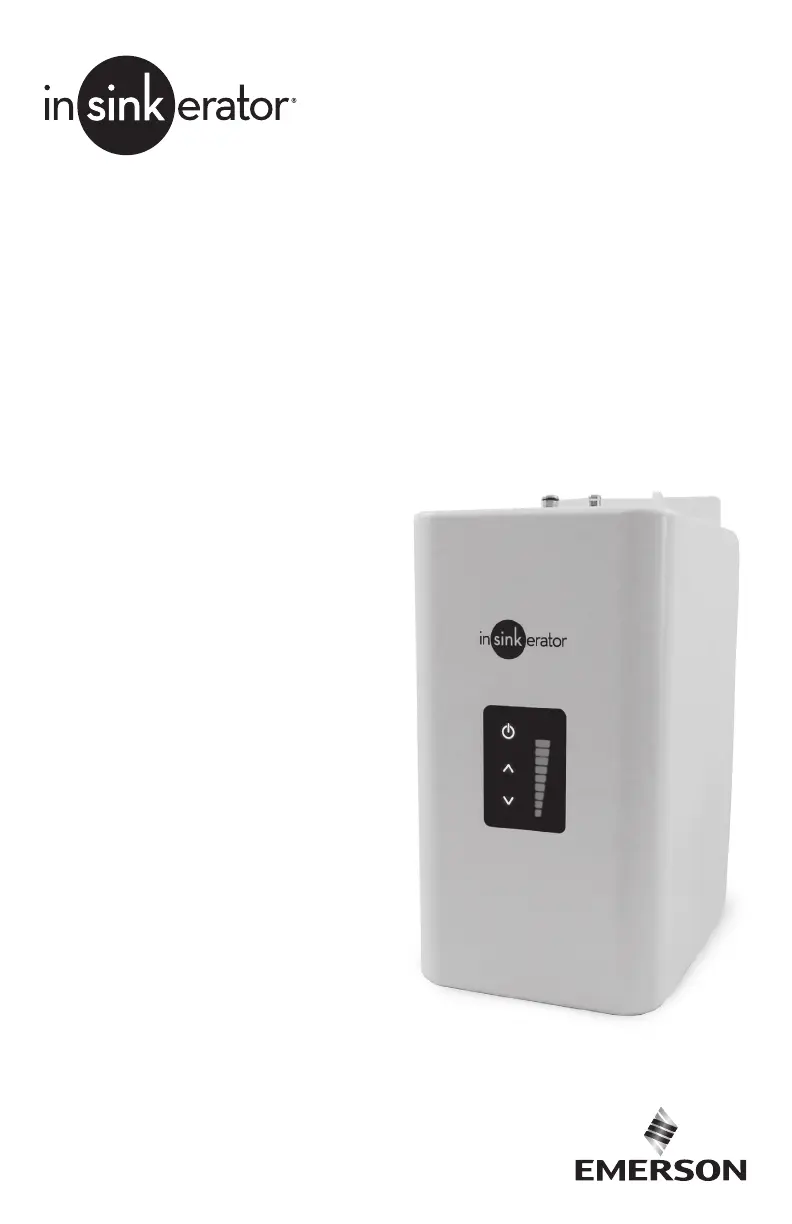
HWT300-F2000S
HWT300
Tanque de agua
caliente instantánea
Instalación, mantenimiento y uso
Réservoir d’eau chaude
instantanée numérique
Installation, entretien et utilisation
Installation, Care & Use
Digital Instant
Hot Water Tank

Questions and Answers

  • J
    Joshua Lawrence Jr.Aug 19, 2025
    How to fix InSinkErator Water System when water is not hot?
    • C
      Catherine BaileyAug 19, 2025
      If your InSinkErator Water System is not providing hot water, ensure that the unit is connected to a correctly earthed electric outlet. Also, check that the circuit breaker or fuses are functioning correctly and that the outlet is not switched off.
  • Y
    yallenAug 21, 2025
    What to do if a new filter doesn't fit in my InSinkErator Water System?
    • M
      morgandonaldAug 21, 2025
      If the new filter doesn't fit your InSinkErator Water System, the head and bracket may not be fully rotated, or there could be a filter O-ring breach. Take out the new filter and put in the old filter. Remove, inspect, and reinstall the filter cartridge.
  • M
    Molly PriceAug 23, 2025
    Why is my InSinkErator Water System filter leaking?
    • S
      Shawn LyonsAug 23, 2025
      If your InSinkErator Water System filter leaks, the head and bracket may not be fully rotated, or there could be a filter O-ring breach. Test the unit by reinstalling the old filter and rotating it to a full stop. Check for leaks.
  • M
    Mark WardAug 26, 2025
    What to do if the display lights on my InSinkErator Water System tank don't illuminate?
    • B
      Bryan LewisAug 26, 2025
      If the InSinkErator Water System display lights on the front of the tank do not illuminate, it might not be plugged in, or the electric outlet could be inoperative. Ensure that the circuit breaker or fuses are functioning properly and verify that the outlet is not switched off.
  • H
    Hannah FoleyAug 28, 2025
    Why is my InSinkErator Water System dripping constantly from the spout/vent?
    • K
      Krystal KellyAug 28, 2025
      If your InSinkErator Water System is dripping constantly from the spout or vent, it could be due to debris in the dispenser valve seat, causing a slow water leak. Try unscrewing the spout end piece and cleaning out any debris. Then, depress or twist the hot water dispenser handle 7-10 times to flush the dispenser and lines.
  • J
    John AguilarAug 30, 2025
    What to do if my InSinkErator Water System is dripping intermittently from the spout/vent?
    • M
      millerjohnAug 30, 2025
      If your InSinkErator Water System is dripping intermittently from the spout or vent, it could be due to the expansion chamber not draining properly because of low water pressure, or the spout might be blocked. Unplug the unit. If the dripping does not stop after a few minutes, check the supply valve to ensure that it is fully open and there are no obstructions in the water line reducing the pressure below 15 psi (103 kPa). Also, unscrew the spout end piece and clean out any debris.
  • D
    Dawn PhillipsSep 1, 2025
    Why does my InSinkErator Water System water have a bad taste or odor?
    • E
      Erica BallardSep 2, 2025
      If the water from your InSinkErator Water System tastes or smells odd, review the filter tube connection instructions to ensure they are correct. Depress or twist the dispenser and run until the water is cold. If the taste or odor persists, replace the filter cartridge.
  • B
    Brittany TurnerSep 4, 2025
    How to stop InSinkErator Water System from spitting water and steam?
    • B
      bakercollinSep 4, 2025
      If water and steam spit forcefully from the InSinkErator Water System spout without turning on the dispenser, depress or twist the hot water dispenser handle to release some water from the tank. Adjust the water temperature using the digital display up/down arrows on the tank front. Remember that at higher altitudes, water boils at lower temperatures.
  • M
    Madison CaldwellSep 6, 2025
    How to adjust the water temperature on my InSinkErator Water System?
    • L
      Luis WrightSep 6, 2025
      If the water from your InSinkErator Water System is too hot or not hot enough, the thermostat may not be adjusted to your needs. Adjust the thermostat, then depress or twist the hot water dispenser handle for 20 seconds to bring in fresh water to be heated at the new setting. Allow 5-7 minutes for the water to reach the new temperature.
  • H
    Heidi MorrisSep 9, 2025
    What does it mean when the display light on my InSinkErator Water System tank is blinking?
    • S
      Stephen AllenSep 9, 2025
      If the display light on the front of the InSinkErator Water System tank is blinking twice, the unit was powered on without water in the tank. Unplug the tank and repeat steps 15-17.

Summary

Critical Safety Information

General Hazard & Warning Definitions

Covers potential hazards, injury risks, and practices for safe operation.

Electrical Safety Warnings

Details risks of electric shock and necessary precautions.

Usage & Hazard Warnings

Addresses risks related to fire, leaks, contamination, and proper use.

Setup Overview and Tools

Installation Procedures and Safety

Final Setup and Operation

Initial Heating & Thermostat

How to handle initial heating, error indicators, and adjust water temperature.

Care, Use, and Maintenance Guide

Safe Operation & Hazard Awareness

Warnings about scalding hazards and safe operation practices.

Troubleshooting Guide

Water Dispensing Troubleshooting

Solutions for issues like spitting, temperature, and dripping.

InSinkErator HWT300-F2000S Specifications

General IconGeneral
BrandInSinkErator
ModelHWT300-F2000S
CategoryWater System
LanguageEnglish

Related product manuals