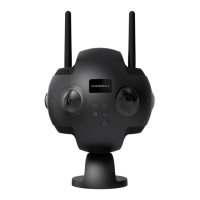
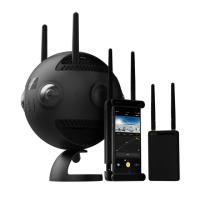
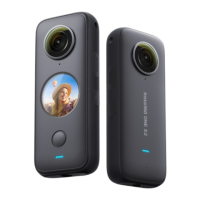
Status Indicator
Before You Start
Camera Status Status Indicator
Charging when camera is off Not fully charged - solid red; Fully charged - indicator off
Charging when camera is on Not fully charged, - solid yellow; Fully charged - solid green
In standby mode (not charging) Power > 15% - solid green; Power < 15% - solid yellow
MicroSD card not inserted Flashing blue
Camera error Solid red
Before use, please insert an exFAT format microSD card of speed class UHS-I and V30 to ensure normal recording. The maximum
storage space is 128GB. For specific compatible MicroSD card models, see https://www.insta360.com/r/evo_microsd
Before use, ensure that EVO has sufficient battery. If not, use a 5V/2A adapter to charge.
❷
❶
3
EN



 To Next Page