Go to http://install.instar.com
11-EN
8. Camera Reset
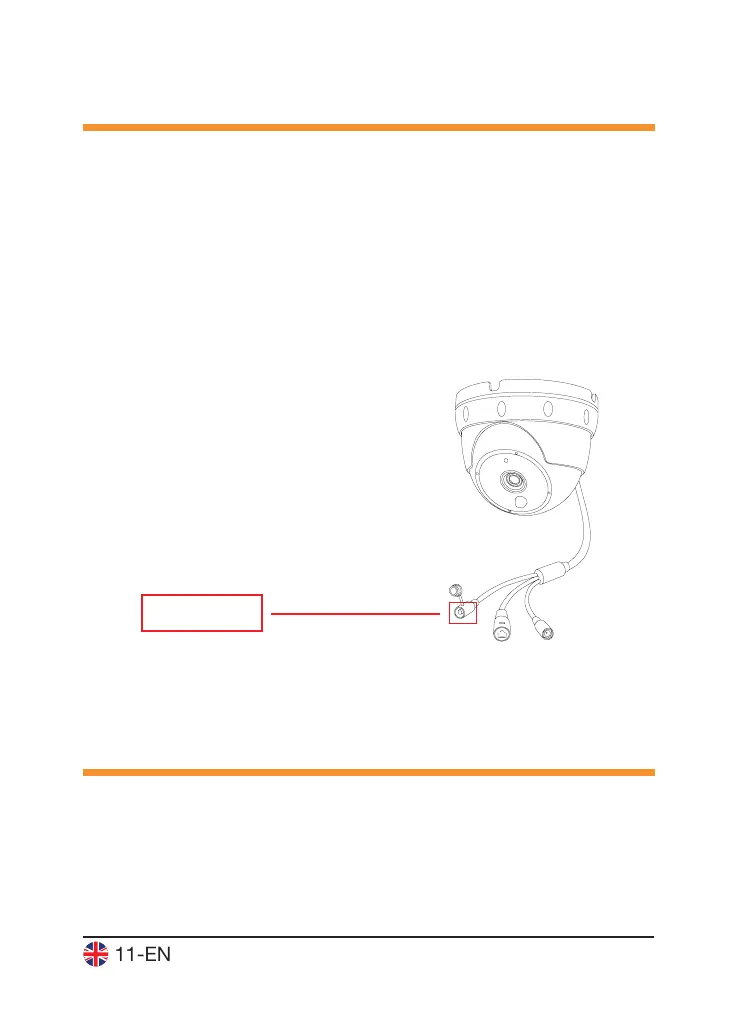
In order to reset your camera, please follow the instructions below:
1. Keep pressing the reset button for 15-20seconds
2. After the reset, the camera will restart, which can take up to 60 seconds. All
data in the camera will be reset to factory defaults. Therefore, it is necessary
to do all settings in your camera again. For more information on how to install
your camera again, please visit: http://install.instar.com. Once you connect the
camera to the network, use the INSTAR Camera Tool to nd out the camera’s IP
address and open the camera’s WebUI to start congurating your camera again.
Keep pressing for
15-20 seconds
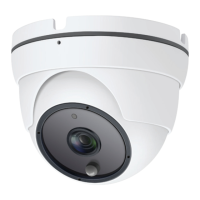
The IN-8003 Full HD standard lens has a depth of eld (also focus range) that is
adjusted to a distance of approx. 5 - 8m. In case your area of interest is out of
focus, you will have to adjust the lens accordingly. To do that, please open the
glass front shown in step 4.3. Once you can reach the lens, please turn it to the
right or left side until the camera image is shown clear. Once adjusted, you can
reinstall the glass front carefully.
9. Lens Adjustment


 To Next Page