EasyManua.ls Logo

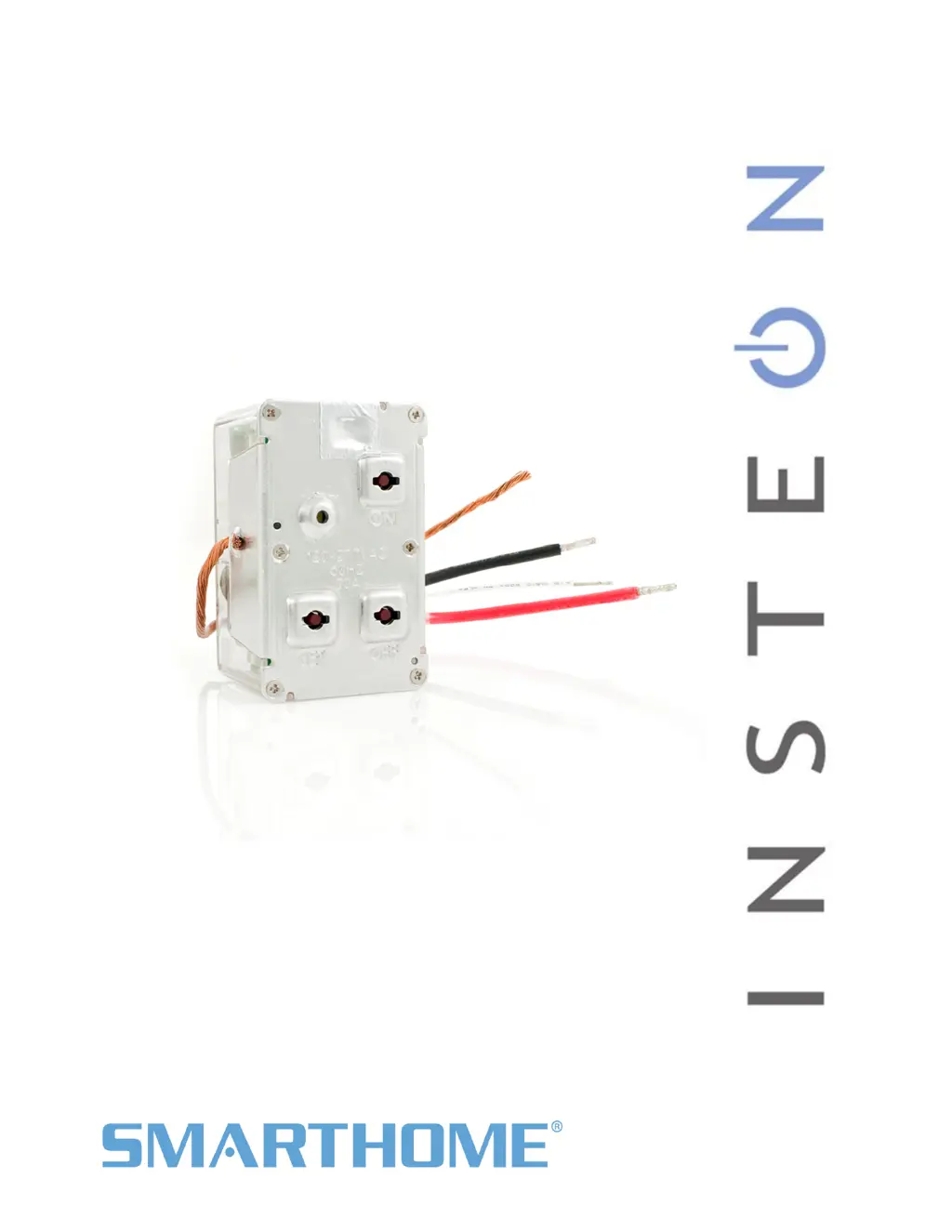
INSTEON In-LineLinc - User Manual

INSTEON In-LineLinc
12 pages
Print Icon
To Next Page IconTo Next Page
Loading...
In-LineLinc
Relay
Owners Manual
INSTEON
®
In-LineLinc On/Off, Dual-Band (#2475SDB)
Page 1 of 12 2475SDB - Rev: 10/24/2011 3:17 PM

Questions and Answers

  • N
    nsparksJul 28, 2025
    Why won't my INSTEON Relays In-LineLinc link or work with a controller?
    • M
      Melissa RitterJul 28, 2025
      There are several reasons why your In-LineLinc might not link or work with a controller: * The controller might have been reset without unlinking In-LineLinc. To solve this, re-link In-LineLinc to the controller. * The INSTEON signal may be too weak. Adding additional INSTEON devices or moving existing ones can help, as all INSTEON devices act as network repeaters. * Large appliances may be creating electrical noise on the power line. Try installing a power line noise filter (#1626-10) to minimize signal attenuation.
  • S
    Susan McgrathAug 1, 2025
    What to do if INSTEON Relays load turned on by itself?
    • N
      Nathan LivingstonAug 2, 2025
      If the load turned on by itself, it's possible that another controller or timer triggered the In-LineLinc. To resolve this, perform a factory reset.
  • M
    Melissa WadeAug 6, 2025
    How to fix INSTEON Relays In-LineLinc taking a long time to respond to a controller?
    • B
      Betty OdomAug 6, 2025
      If your In-LineLinc is responding slowly, it could be due to a controller sending commands to an unused responder. These resent commands can overload the signal. Unlink any unused responders from the controller. If that doesn't work, perform a factory reset on the controller.
  • H
    Hannah SloanAug 11, 2025
    What to do if INSTEON Relays In-LineLinc is locked up?
    • K
      Karen JonesAug 11, 2025
      If your In-LineLinc is locked up, a surge or excessive noise on the power line may have caused a glitch. Try temporarily removing power from it, usually by opening the breaker. If that doesn't work, perform a factory reset.
  • P
    Paul LevineAug 16, 2025
    What to do if controller can turn off INSTEON Relays In-LineLinc but not turn it on?
    • R
      Rebecca MahoneyAug 16, 2025
      If the controller can turn off the In-LineLinc but not turn it on, the In-LineLinc may be linked at its off state. Re-link the In-LineLinc to the controller while the load is on.
  • D
    Donna CarrollAug 21, 2025
    How to fix the Status LED on INSTEON In-LineLinc Relays In- LineLinc not turning on?
    • K
      Kenneth WilkersonAug 21, 2025
      If the Status LED on your In-LineLinc isn't turning on and it won't control the load, it might not be getting power. First, make sure the circuit breaker is turned on. Also, check the junction box wires to ensure all connections are tight and no bare wires are exposed.

Summary

About In-LineLinc Relay

Features & Benefits

Lists key advantages and functionalities of the In-LineLinc device, including ease of setup and dual-band communication.

Whats in the Box?

Details the components included with the In-LineLinc product, such as the device, wire nuts, and quick-start guide.

Installation and Setup

Safety and Warnings

Crucial safety instructions and warnings to prevent hazards during installation, covering voltage and usage precautions.

Identifying Electrical Wires

Guidance on correctly identifying LINE, NEUTRAL, and GROUND wires in your home's wiring for proper connection.

Tools Required

Lists the necessary tools, including screwdrivers, a voltage tester, and wire strippers, for performing the installation.

Installation Procedure

Step-by-step instructions for physically installing the In-LineLinc into a junction box and connecting it to the load.

Wiring Diagram

A visual representation illustrating the correct connections between the In-LineLinc and the electrical wires.

INSTEON Scenes and Advanced Features

INSTEON Scene Management

Instructions for adding and removing the In-LineLinc as a responder within INSTEON scenes and controllers.

Phase Bridging

Details on using the In-LineLinc as a phase bridge for dual-band communication between different electrical phases.

Restoring Power Behavior

Explains how the device retains settings and restores the load's state after power interruptions or failures.

Resetting and X10 Configuration

Factory Reset Procedures

Provides two distinct methods for resetting the device to its original factory default settings.

X10 Programming Guide

Provides a link to external resources for detailed instructions on setting up X10 addresses and scenes.

Product Specifications

General and INSTEON Specs

Covers product name, brand, INSTEON ID, maximum scene links, RF range, and X10 support.

Mechanical and Electrical Specs

Details mounting, wire gauges, dimensions, weight, operating voltage, frequency, and maximum load capacity.

Certifications and X10 Features

Lists safety certifications, operating humidity, standby power, and specific X10 powerline features.

Troubleshooting

Common Issues and Solutions

Addresses common problems like no power, linking issues, and weak signals with practical solutions.

Device Response and Glitches

Covers slow response times, unexpected load activation, and device lock-ups, providing potential causes and fixes.

Certification and Warranty

Product Certification Details

Information on the ETL Listed mark and compliance with North American safety standards.

FCC & Industry Canada Compliance

States compliance with FCC Rules and Industry Canada RSS, including operating conditions and interference policies.

Limited Warranty Information

Details the two-year limited warranty, coverage, and the process for making a claim or obtaining support.

Usage Limitations and Disclaimer

Outlines limitations on use, disclaims other warranties, and addresses potential damages or liability.

INSTEON In-LineLinc Specifications

General IconGeneral
Voltage120V AC
TypeRelay
Load Rating1/2 HP Motor
Wireless ProtocolINSTEON
Maximum Load1/2 HP Motor

Related product manuals