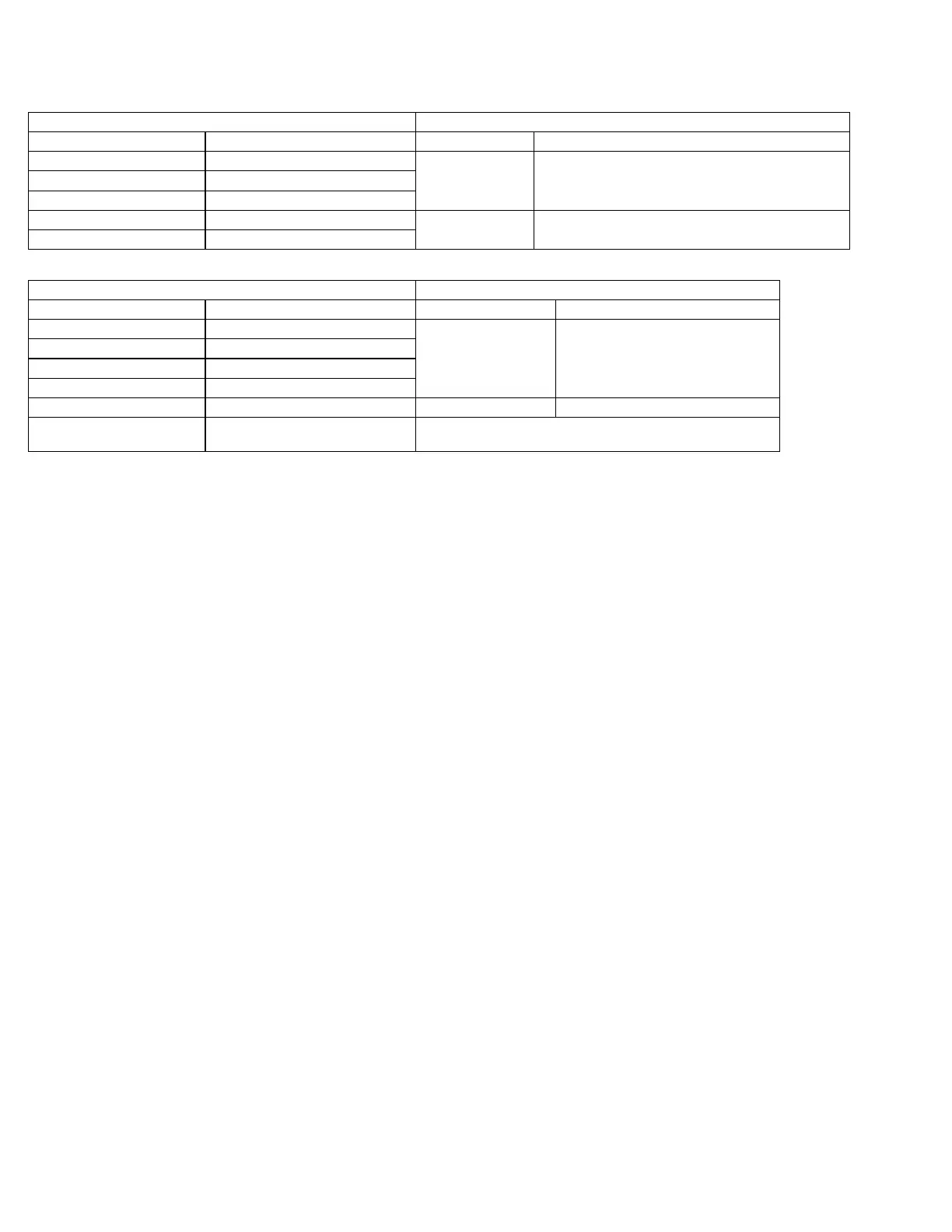
Your Camera - Flush Mount Dimensions Recommended Camera - Flush Mount Dimensions
Camera Cutout Dimensions
CVC110FM Series 2” wide X 2” high
CVC111FM Series 2” wide X 2 5/8” high
CVC112FM Series 2” wide X 2 5/8” high
CVC210FM Series 2 1/2” wide X 2 1/2” high
CVC400FM 2 1/2” wide x 2 3/4” high
CVC120FM Series 4” wide X 3 3/4” high CVC500AHFM *** 3 3/4” wide X 2 7/8” high
*** Requires the 313-02-02-002 adapter to connect this
camera to the main cable
Your Monitor – Dimensions do not include the mounting bracket. Recommended Display – Dimensions do not include the mounting bracket.
Monitor Dimensions Display Dimensions
CVM450LPP Series 5” wide X 4 5/8” high
CVM500 5” wide X 4 3/4” high
CVM550LPP 5 3/8” wide X 5 1/8” high
CVD500LCD
Outside 6 1/2” wide X 4 7/8” high
(Back bump out 5 3/4” wide X 4 1/8” high)
CVM600 Series 6 1/4” wide X 5 3/8” high
CVM700LPP Series 7 1/8” wide X 6 5/8” high
CVD650LCD
Outside 7 5/8” wide X 5 1/2” high
(Back bump out 6 3/8” wide X 4 1/4” high)
Dimensional Charts and Reccomendations.
3
For additional information, please visit www.intecvideo.com/support.html
You may also call us toll free at 800‐468‐3254 (West) or 800‐522‐5989 (East) or e‐mail support@intecvideo.com with any questions.



 To Previous Page
 Loading...