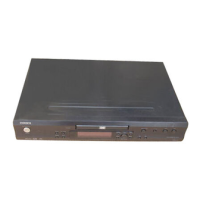
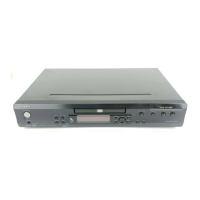
RDV-1.1
SERVICE PROCEDURES-2
INITIALIZING
2. Safety-check out
(Only U.S.A. model)
After correcting the original service problem perform the
following safety check before releasing the set to the customer
Connect the insulating-resistance tester between the plug of
power supply cord and terminal GND on the back panel.
Specifications: More than 10M ohm at 500V
REMOVE THE SOLDER OF LASER DIODE SHORT
When replace the mechanism or DVD main PC board.
Shotting the solder of Shot-circuit land. (2 positions)
To reset the RDV-1.1 to its factory defaults, turn it on and,
while holding down the Stop [ ] button,
press the [Standby/On] button.
"INITIALIZE" appears on the display.
When the reset is complete, "COMPLETE" is displayed, and
the RDV-1.1 enters Standby mode.


 To Next Page