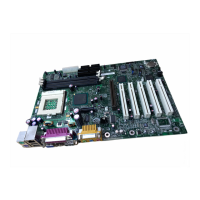
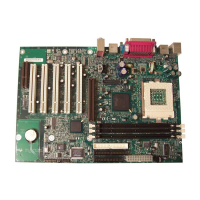
*OUFM%FTLUPQ#PBSET%)7BOE%8/
2VJDL3FGFSFODF
The RM encloses the board’s AGP connector and stabilizes the AGP card.
Place the board (component side up) on a flat, supportive surface. Follow the
steps outlined below to attach the RM (A) to the AGP connector (B):
1. Observe the precautions in “Before You Begin” on page 3.
2. Locate the AGP connector on the board as shown below. Note that the
board’s silkscreen (C) indicates the correct final position of the lever (D)
on the RM.
OM11980
C
B
A
E
D
3. Position the RM over the AGP connector as shown below.
OM10111
4. Push the lever end of the RM in the direction of the arrow until the two
rearmost tabs (E) spread over the end of the AGP connector.
OM10180


 To Next Page
 Loading...