-2-
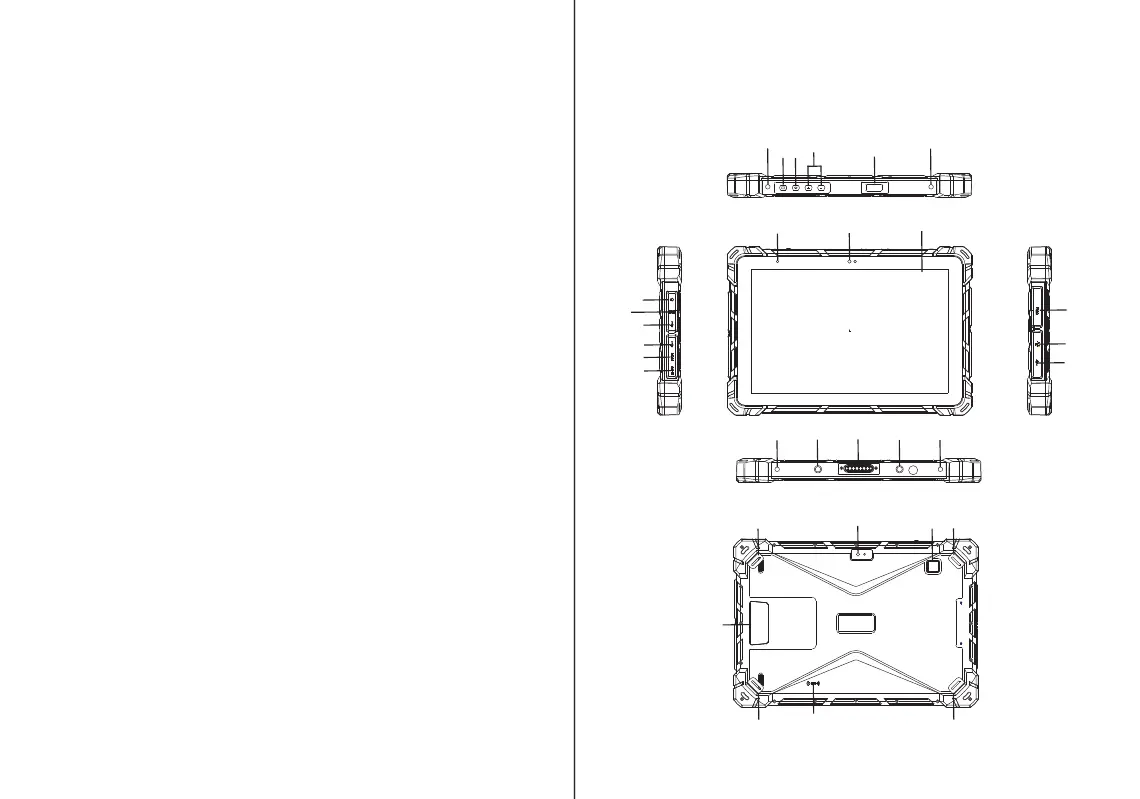
1.F7G/F7G Plus 10.1" Rugged Tablet PC
A. Connection port 1
Precautions
For the correct use and good performance of the device,the
user must fully understand the manual as well as strictly
follow the instructions procided.
1. Aviod leaving your device in high temperature,high
humidity or dusty air-environment.
2. Never knock the main machine violently.
3. Never contact with chemicals such as benzene,thinner etc.
4. Do not close to strong magnetic field,electric field etc.
5. Don't spatter water on the device.
6. Don't clean the device by wet dishcloth
7. Ventilation hole can not be fixed or jammed
8. Never privately disassemble,repair or modify the device.
9. If the power plug can not match your power oulet ,please
ask for professional electric clerk to change.
10. Kindly power off the device in thunder storm weather or do
not use it for long time.
11. Never use higher volume,which may damage your hearing
ability
12. Divide scraped packing,old electronic products and dispose
them properly.
-3-
1
1
1
1
2
3
4
5
6
8
9
10
11
12
13
14
15
16
9
17
17
18
19
20
21
19
22
23
19
19
7


 To Next Page
 Loading...