80
Enable/Disable zones
The zones that are not being used must be disabled so that they do not re when
the alarm center is activated using a remote control, or when trying to activate the
alarm center using a valid password, the keyboard beeps indicating that the alarm
center has open zones.
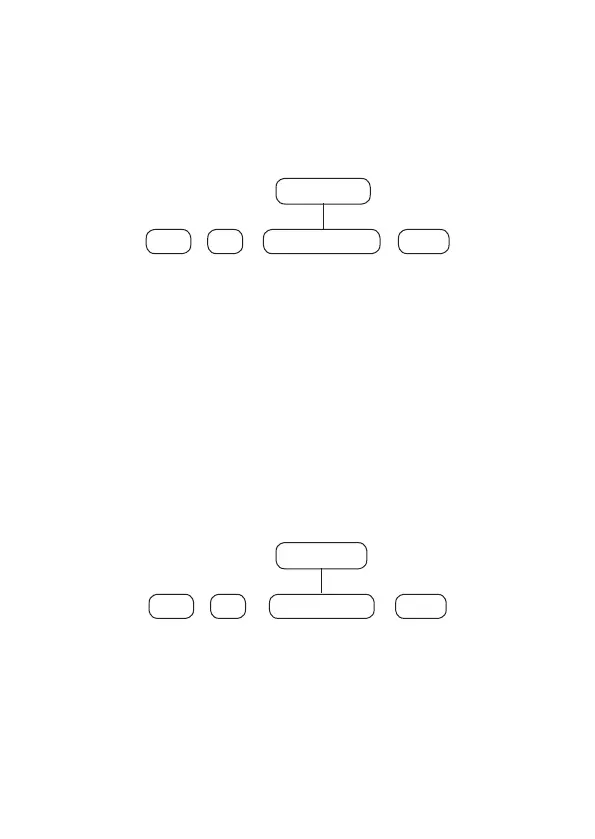
To program this function, type:
30
+
Enter Enter
+
+
Zone group
From 0 to 6
Use the keys on the keyboard to dene the status of the zone, so that the numbers
that you wish to have the zone active remain marked and the zones that should
remain inactive remain unchecked, then conrm with the
Enter
key.
Note: All zones leave the factory enabled.
Partial
mode (stay)
When the system is activated in
Partial
mode (stay), only the zones dened for this
mode when violated/activated will not generate triggering. This mode is useful
for activating zones in cases where you do not want to activate the entire system
or the entire partition, such as activating only the outer perimeter zones. Zones
dened as
Partial
mode can belong to any alarm center partition.
To program, type:
02
+
Enter Enter
+
+
Zone group
From 0 to 6
Use the keys on the keyboard to dene which zones will have
Partial
mode (stay),
so that the numbers that you want to have the zone with
Partial
mode, remain
marked and the zones without the function remain unchecked, then conrm with
the
Enter
key.
Note:
if the alarm center is activated in
Full
mode, all zones, including those
dened as
Partial
mode, will be activated, so it will also happen with the center's
partition activation, activating the zones dened as
Partial
mode.



 To Next Page