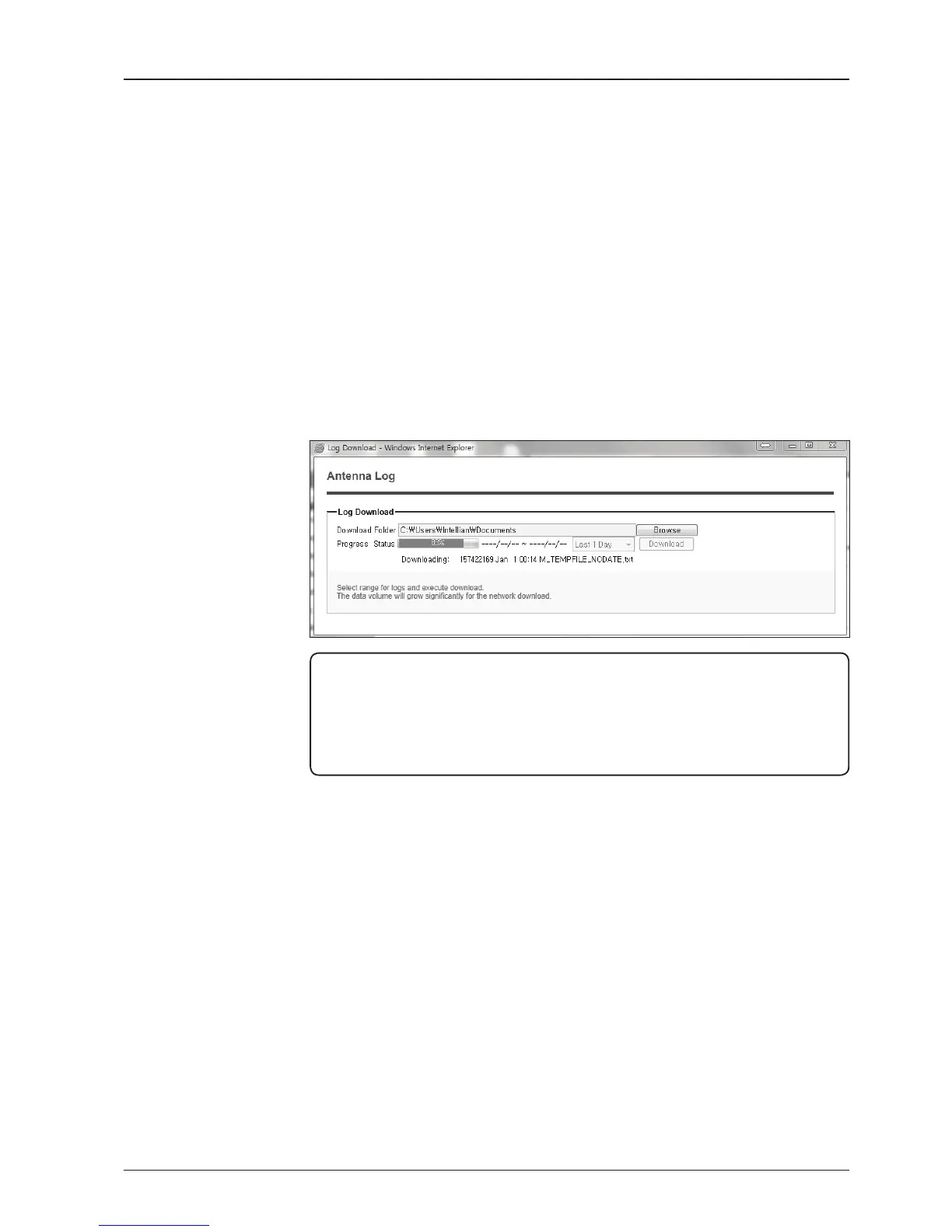
3. Select ‘Browse’ to browse the target directory of the antenna log le.
4. Select log period for le download.
- Last 3 Months: download the antenna log information for the past three
months.
- Last 1 Month: download the antenna log informaiton for the past one month.
- Last 1 week: download the antenna log information for the past one week.
- Last 1 Day: download the antenna log information for the past one day.
5. Select ‘Download’to download the log le to the target directory according to the
selected log period.
NOTE: In t80W system, users can choose to Enable or Disable the GPS tracking
function. Liability for information that is disclosed when GPS is enabled is solely the
operators responsibility and it is up to the operator on whether or not to provide their
GPS information to third parties. Any issues regarding safety and privacy when turning
on the GPS function is solely up to the user. Intellian is not responsible for information
that is disclosed when the GPS function is enabled.


 To Next Page
 Loading...


