40
Wi-Fi Connection
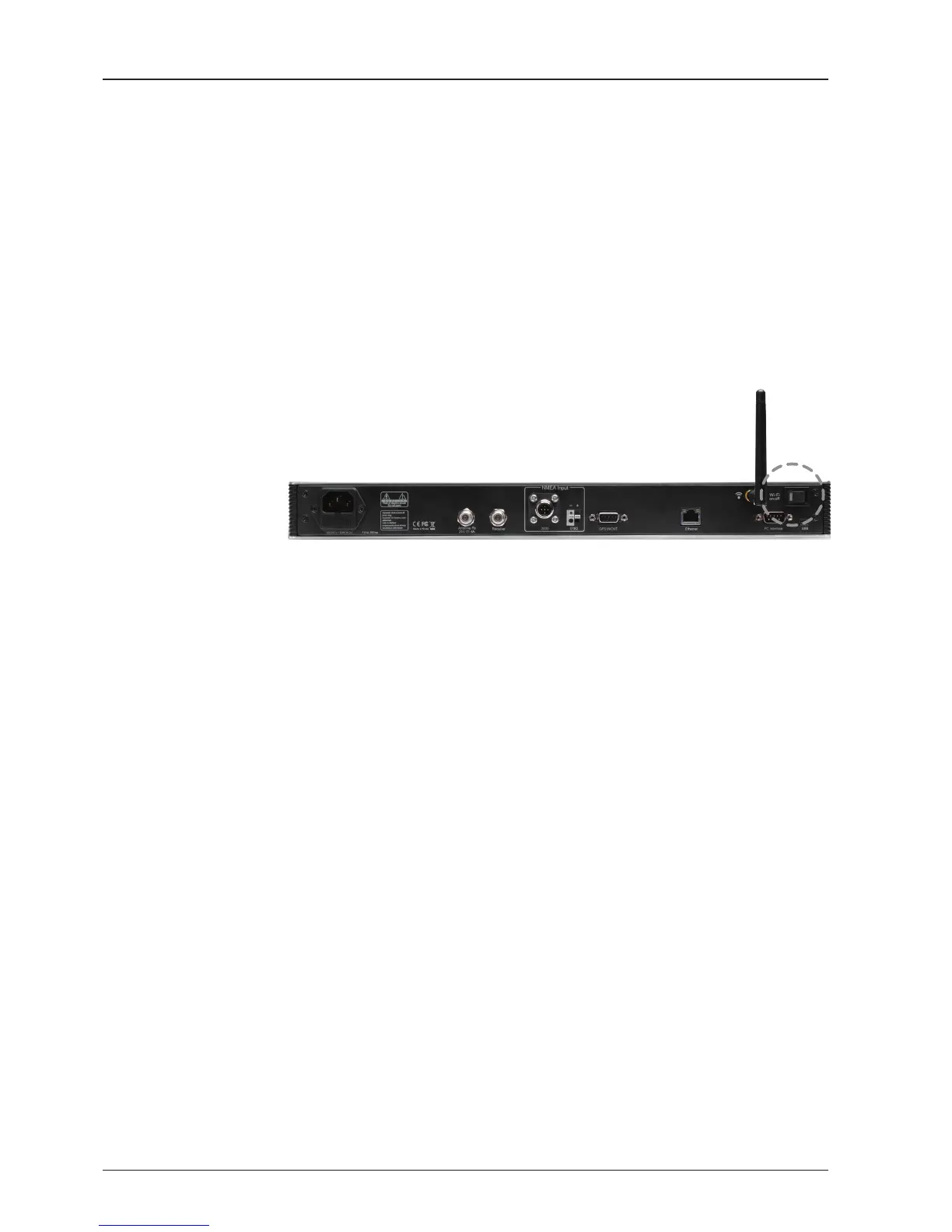
1. Turning on the Wi-Fi switch
Turn on the switch on the back of the ACU, and 30 seconds after enabling the
power supply, conrm if a red light appears on the switch.
Setup Wi-Fi Connection
• Setting up the ACU in order to access Wi-Fi
• Setting up the PC (AP Mode) in order to access Wi-Fi
• Remote Aptus Web Conrmation
Setting up the ACU in order to access Wi-Fi


 To Next Page
 Loading...


