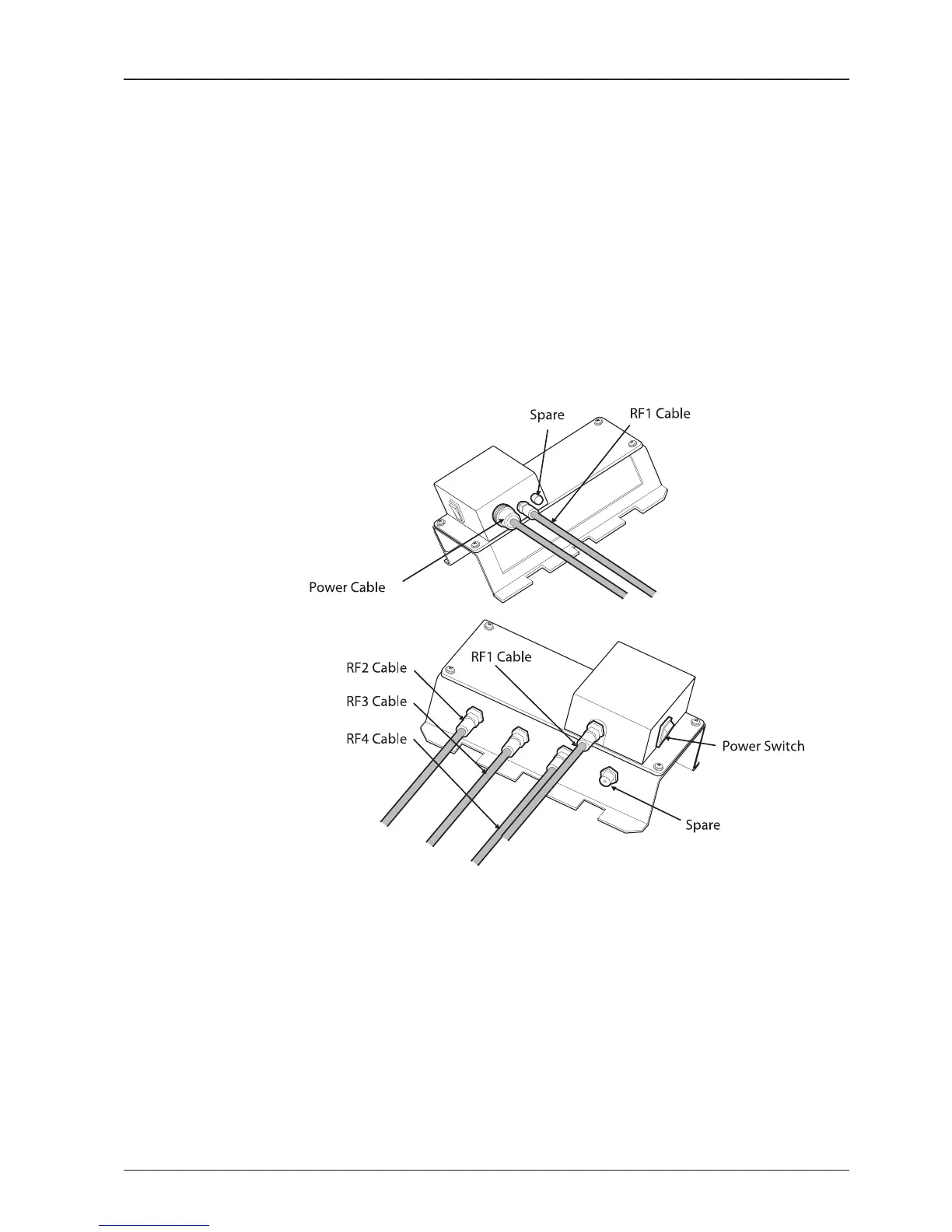
RF Cable Connections
Before installing the RF cable, ensure that the RF cable labeled with RF1 has to be
connected properly between the antenna control unit and the power switch box.
Connect the four RF cables to the RF connectors using an 11mm spanner. Ensure
that the power switch is off during the installation period. When all the hardware
and cables have been installed, turn on the power switch. Use an RG11 rubber
gland if you’re using an RF11 cable instead of an RG6 cable supplied by Intellian.


 To Next Page
 Loading...



