76
System Management
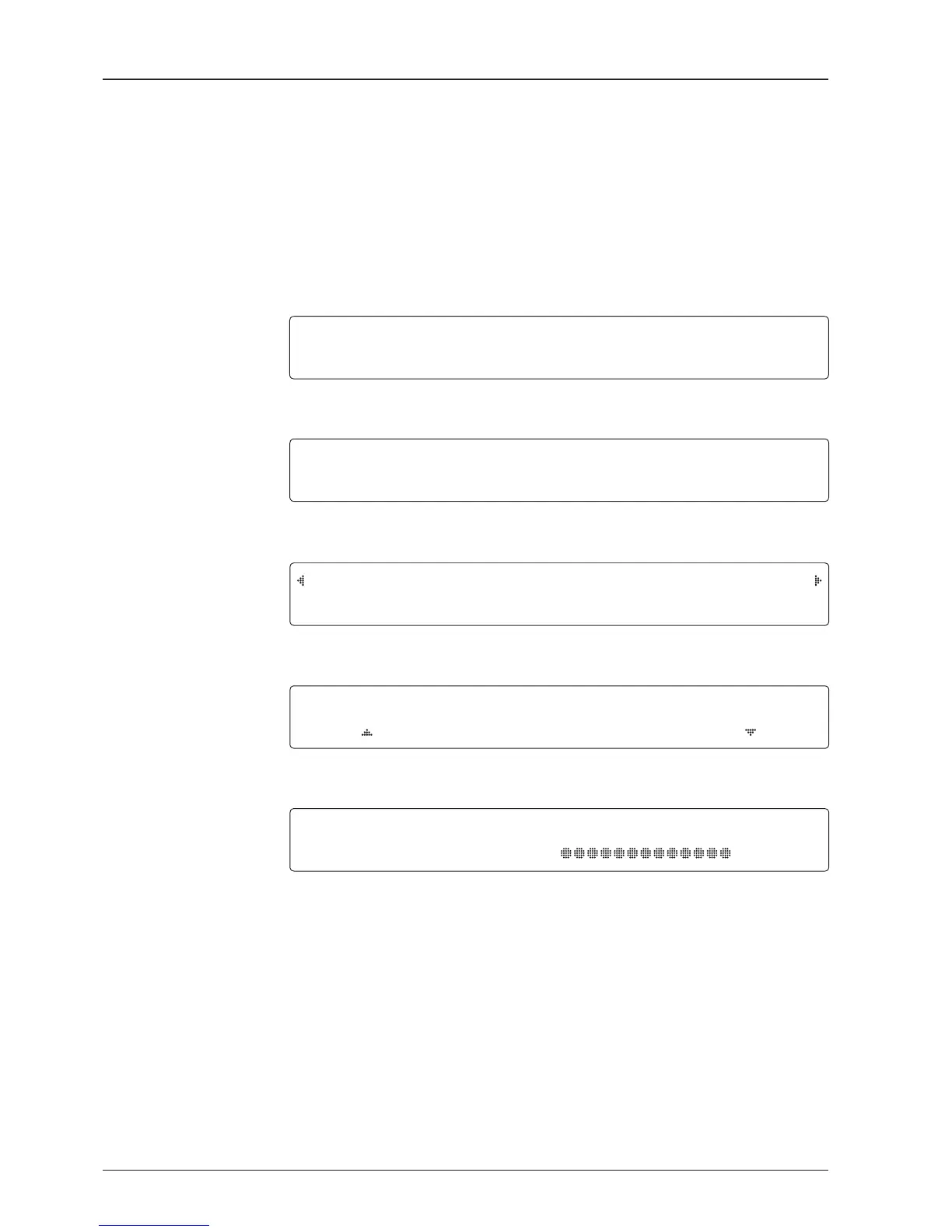
1. Press the LEFT arrow key to move cursor to YES and press the OK key to enter setup
mode.
2. Press the DOWN arrow key to move cursor to SYSTEM and press the OK key to enter
SYSTEM menu.
+SET LOCATION
4
+MANAGEMENT
+KEY LOCK
3. Press the ARROW key to move cursor to MANAGEMENT and press the OK key to enter
MANAGEMENT menu.
SELECT PROCESS TYPE
BACKUP USER DATA
4. Press the UP and DOWN arrow keys to select the PROCESS TYPE 1) and press the OK
key to set the PROCESS TYPE.
5. Processing message is displayed.
SETUP MODE ?
4
YES NO
+ANTENNA +SATELLITE
4
+SYSTEM +INSTALLATION
BACK U P ANT INFO
DO NOT TURN O FF !


 To Next Page
 Loading...



