If the glucose level is lower
than this value, app will give an
alarm of hypoglycemia.
3.3- 5.6 mmol/L
(60-100 mg/dL)
If the glucose level is less than
3.1 mmol/l, app will give an
urgent hypoglycemia alarm
High Limit
(Hyperglycemia
display limit)
If the glucose level is higher
than this value, it will be
displayed in the white area of
the trend chart, but the app will
not generate an alarm.
6.7 mmol/L
(120 mg/dL)
-High Limit
If the glucose levels is higher
than this value, app will
generate hyperglycemia alarm.
High Alarm-
22.2 mmol/L
(400 mg/dL)
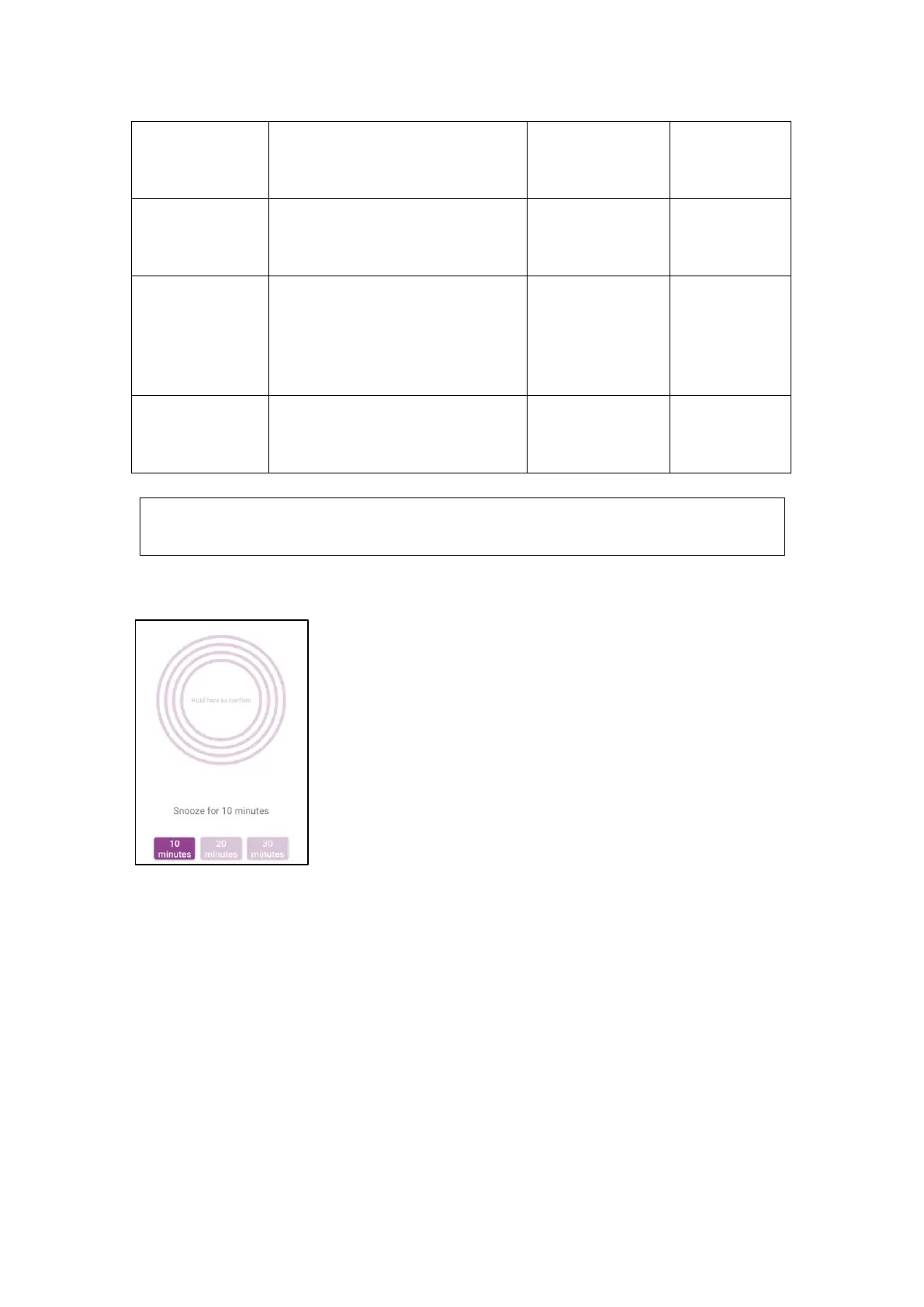
You can press-hold circles for 4 seconds during an Alarm to
snooze Alarm for 10 mins, 20 mins or 30 mins.
5.3.3 Sensor Fault
Sensor Fault, meanings CGMS isn’t in normal operation. Replacing sensor
immediately when Alarm: “Sensor Fault” occurred. You won’t receive BG readings
and High/Low Alarm, during Sensor Fault.
5.3.4 Disconnected
When the phone's Bluetooth is off or the app's Bluetooth is disconnected, the app will
indicate that the CGMS is disconnected. No data or alarms will be received when
Warning
Don’t make medical decision based on sensor glucose levels.



 To Next Page