EasyManua.ls Logo

Intellinet ISTREAM HD 525282 - User Manual

Intellinet ISTREAM HD 525282
32 pages
Print Icon
To Next Page IconTo Next Page
Loading...
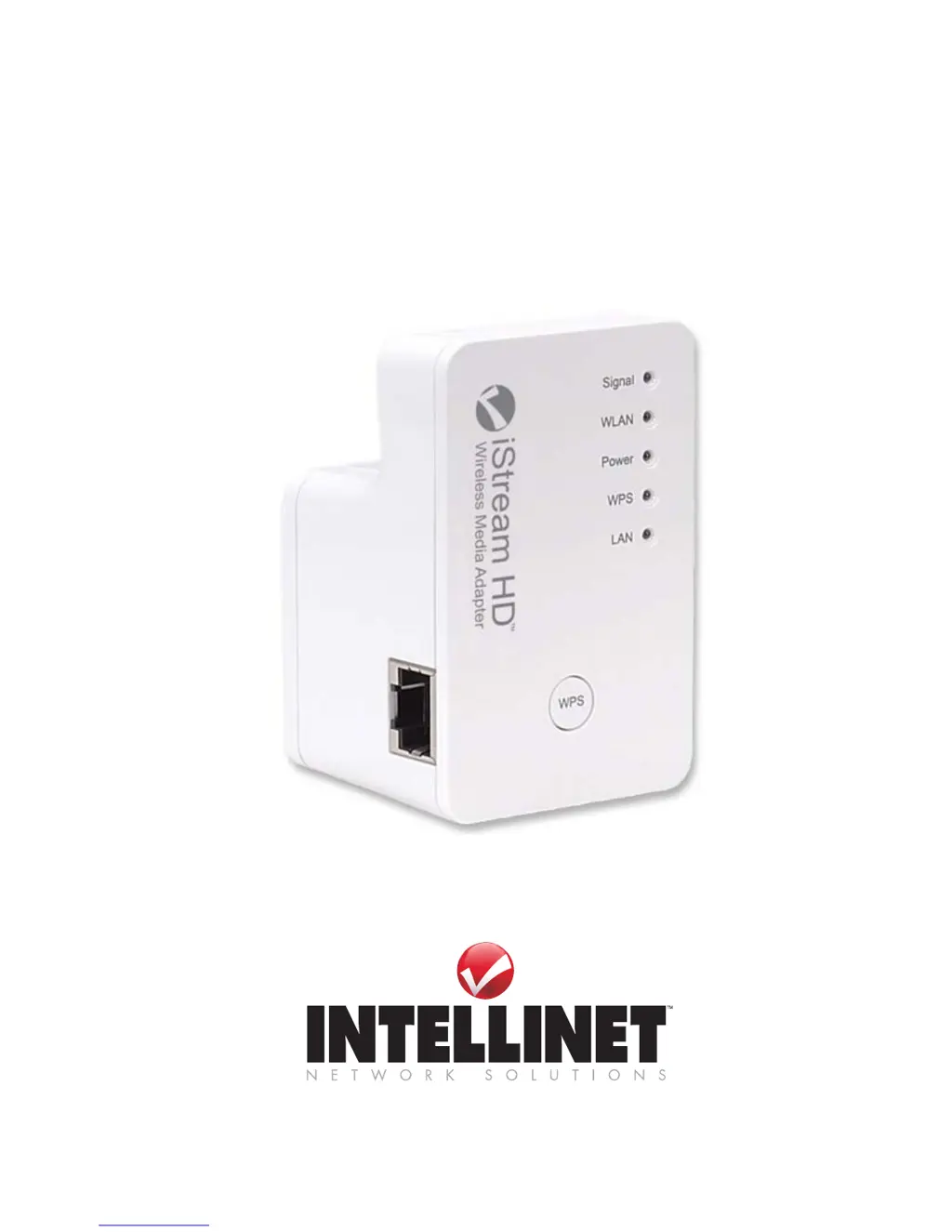
ISTREAM HD
Wireless 300N Media Adapter
USER MANUAL
MODEL 525282
INT-525282-UM-0212-01

Questions and Answers

  • L
    lisa44Aug 18, 2025
    Why is my Netflix buffering with Intellinet ISTREAM HD 525282 Adapter?
    • J
      Jessica NortonAug 18, 2025
      Buffering can take more than a minute depending on your Internet connection speed, which is the main factor, and the wireless connection speed of the Intellinet Adapter, which is a contributing factor.
  • D
    Donna HodgeAug 20, 2025
    What to do if the signal LED flashes rapidly on Intellinet Adapter?
    • J
      janetsanchezAug 20, 2025
      A rapidly flashing signal LED means that the signal strength is too weak to create a reliable wireless connection. Try relocating or repositioning the Intellinet Adapter.
  • J
    james68Aug 23, 2025
    What does it mean if the signal LED flashes slowly on Intellinet ISTREAM HD 525282?
    • K
      katiewoodsAug 23, 2025
      If the Signal LED flashes slowly, the wireless signal strength is not optimal, and depending on the content you are transmitting over the wireless connection, occasional slow-downs can occur. To improve performance, try relocating or repositioning the Intellinet HD adapter.
  • X
    xrodriguezAug 26, 2025
    Why am I only getting standard-definition video with Intellinet ISTREAM HD 525282 Adapter?
    • M
      Matthew SmithAug 26, 2025
      To receive Netflix HD 1080p video, your Internet connection needs to provide a steady, low-latency connection of more than 5 Mbps.
  • G
    gamblesarahAug 27, 2025
    What to do if I can't connect to the network with my Intellinet Adapter on my gaming console?
    • T
      Tammy ChavezAug 28, 2025
      You need to set up your gaming console for regular Ethernet cable-based access, not wireless.
  • E
    ericjonesAug 30, 2025
    How to fix WPS setup issues with Intellinet ISTREAM HD 525282 Adapter?
    • D
      Dawn RoweAug 30, 2025
      WPS may be disabled in the router settings, or you have not pressed the WPS button on the iStream HD within 120 seconds of pushing the button on the router. Refer to the section 'Manual Installation.'
  • W
    Walter JimenezSep 1, 2025
    What to do if I don’t know the password and cannot connect Intellinet iStream HD adapter to my network?
    • M
      Michael WeaverSep 1, 2025
      If the wireless network is password-protected, then you can either connect the iStream HD via WPS (should your wireless router support it) or manually by entering the wireless passphrase. If you have forgotten the password, there is no way of connecting the iStream HD to your wireless network. Your only way out is to set up your wireless network with a new password.
  • A
    Amanda ClarkSep 4, 2025
    Why is the power LED not lit on my Intellinet ISTREAM HD 525282?
    • B
      Brian Jones MDSep 4, 2025
      Make sure that the power switch on the iStream HD is set to the 'On' position. In addition, check and make sure that the power outlet provides power.
  • H
    Haley AndersonSep 6, 2025
    Why is the LAN LED not lighting up on Intellinet ISTREAM HD 525282 Adapter?
    • R
      Russell SandovalSep 6, 2025
      Check the network connection between the iStream HD and the Ethernet port of the device you’re connecting. The network cable must be inserted properly and the Ethernet device must be turned on. Try using a different network cable, if available.
  • J
    jennifer30Sep 9, 2025
    Why is the WPS LED not lighting up on Intellinet ISTREAM HD 525282?
    • J
      Jessica WiseSep 9, 2025
      The WPS LED lights only if an existing wireless connection was established by means of WPS. If you created the connection manually, or if no wireless connection has been set up, the WPS LED will stay off.

Summary

Hardware Overview

Device Status LEDs

Describes the function and meaning of the device's status indicator lights.

Installation

Installation Using WPS

Step-by-step guide for connecting the adapter using WPS.

Manual Installation

Detailed instructions for setting up the adapter manually via a web browser.

Advanced Configuration Menu

Setting Up Your Computers Network Adapter

Guide on configuring your computer's network adapter for the setup.

Accessing the Advanced Configuration Menu

Instructions on how to log into the adapter's web interface.

Factory Reset

Troubleshooting

Intellinet ISTREAM HD 525282 Specifications

General IconGeneral
ModelISTREAM HD 525282
CategoryAdapter
InputHDMI
Power Supply5V DC
Data Transfer Rate10.2 Gbps
HDCPYes
HDCP Version1.4
Housing MaterialMetal
RoHS ComplianceYes
CertificationCE, FCC
InterfaceHDMI, RJ45
CompatibilityHDMI-enabled devices
Connector TypeHDMI, RJ45
TypeHDMI Extender
Maximum Resolution1920 x 1080 (1080p)
Resolution Support480p, 720p, 1080p

Related product manuals