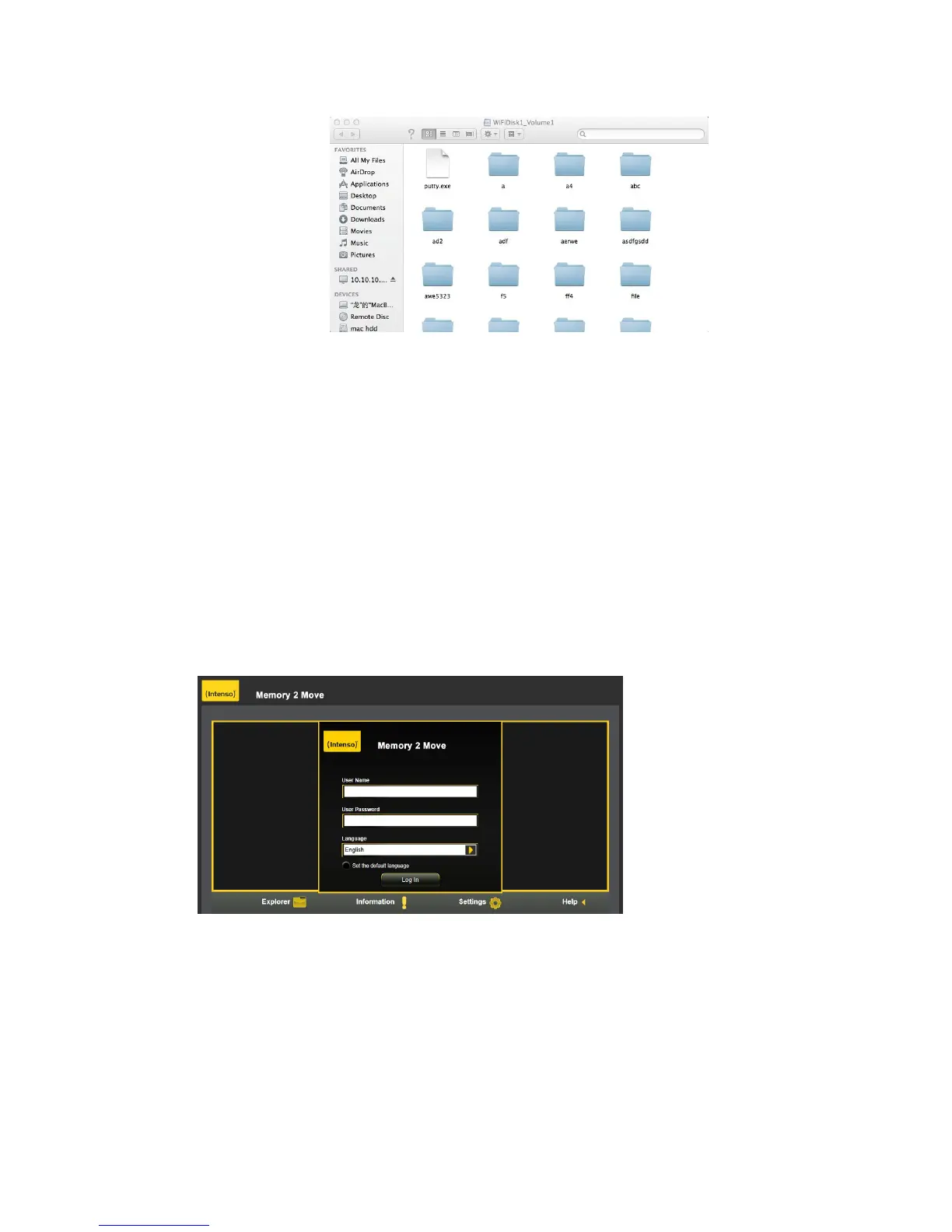
You may operate all files and directories on the Memory 2 Move by samba, such as: create, edit,
delete, copy, move, rename. Furthermore you can transfer the data between MAC and the Memory
2 Move, such as upload the data from MAC into the Wi-Fi Storage, or download the data from the
Wi-Fi Storage into MAC.
9. “Memory 2 Move” Configuration
When you are connected successfully to the Memory 2 Move, your Web-Browser opens. You have
to log in to the web interface.
Default user name: admin
Default password: 00000
Click on the “Log In” button to access the Web Management Interface.
Once your Wi-Fi enabled-PC is successfully connected to the “Memory 2 Move”, using the “WiFi
Finder” will allow you to access our built-in Web Management Interface and configure your device.



 To Next Page