8.2.1.MAC WiFi Finder
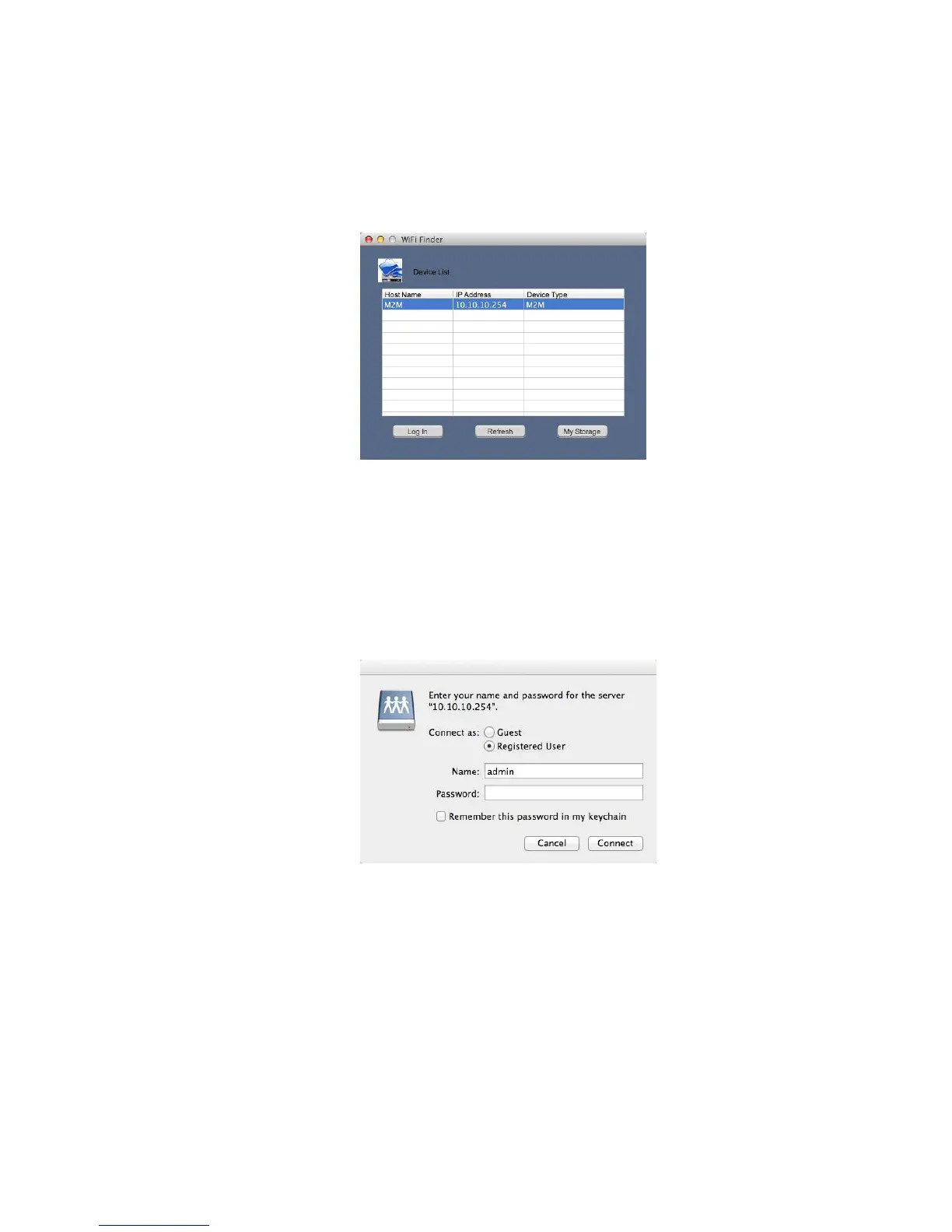
Double-click the “Wi-Fi Finder” icon to start the software. This utility will search for the M2M in
your network as mentioned on below screenshot.
If you do not find the Memory 2 Move on the list of devices connected in your network, click on the
“Refresh” button to refresh the device list.
Select the Memory 2 Move on the list, and then click on the “Log In” button to enter the web
interface.
8.2.2. My Storage
Select the Memory 2 Move and click “My Storage” button. A pop-up window appears. After input the
correctly user name (admin) and password (00000), you may access the Memory 2 Move by
samba.



 To Next Page