10.4. Android Client App Installation
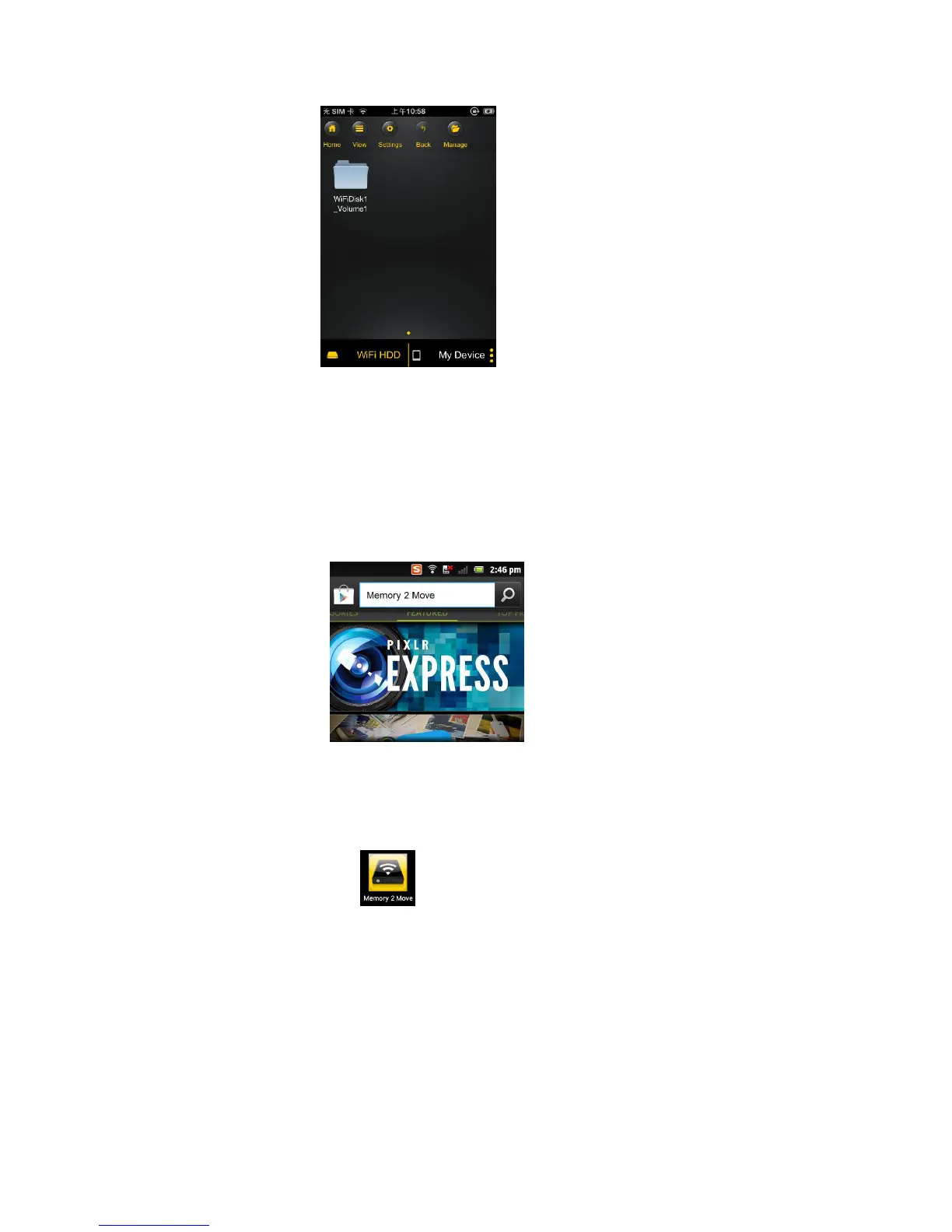
1. Download the Client App called “Memory 2 Move” from the official website
(https://play.google.com/), or you can search “Memory 2 Move” directly in the Google Play Store on
your android phone/tablet and follow the on-screen installation instructions, seen on the below
screenshot.
2. Once the Client App is successfully installed, the “Memory 2 Move” icon can be found on your app list as
seen on the image.
10.5. Wirelessly connecting your Android devices
1. Turn-on the “Memory 2 Move”. Wait for a few minutes to complete the initialization process. The
blue Wi-Fi LED on the device should remain solid indicating that the initialization process has been
completed.
2. Click on the “Settings” icon on your desktop as seen on the screenshot.



 To Next Page