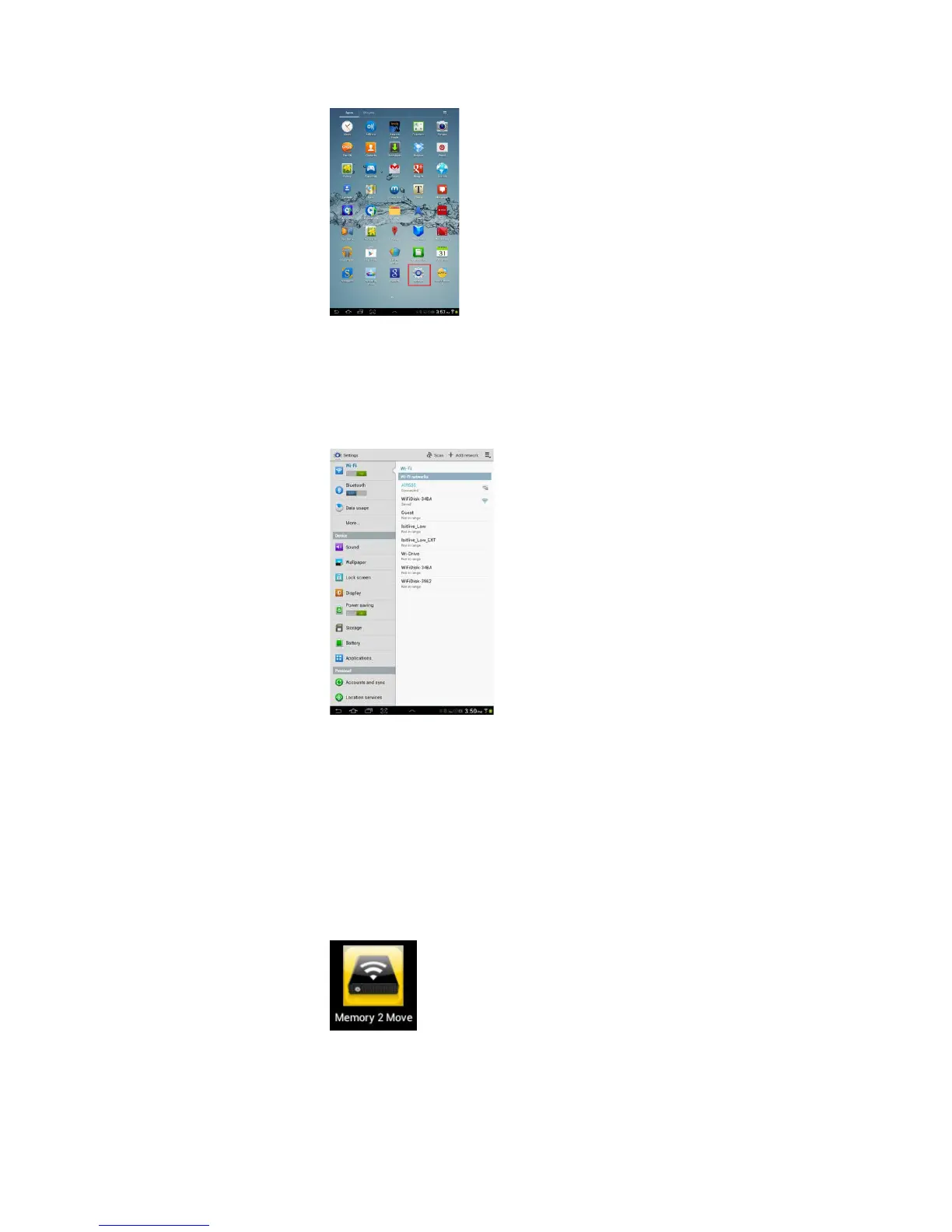
3. Switch the Wi-Fi to ON position. Inside the Wi-Fi networks, the “Memory2Move-XXXX” should
appear on the list.
Click on the “Memory2Move-XXXX” and enter your password (default: intenso1).
4. The word “Connected” will appear under the SSID name of which is an indication that the Android
Device is connected to the “Memory 2 Move”.
10.6. Android User Login
1. Click on the “Memory 2 Move” icon to launch the app as seen on the image below.



 To Next Page