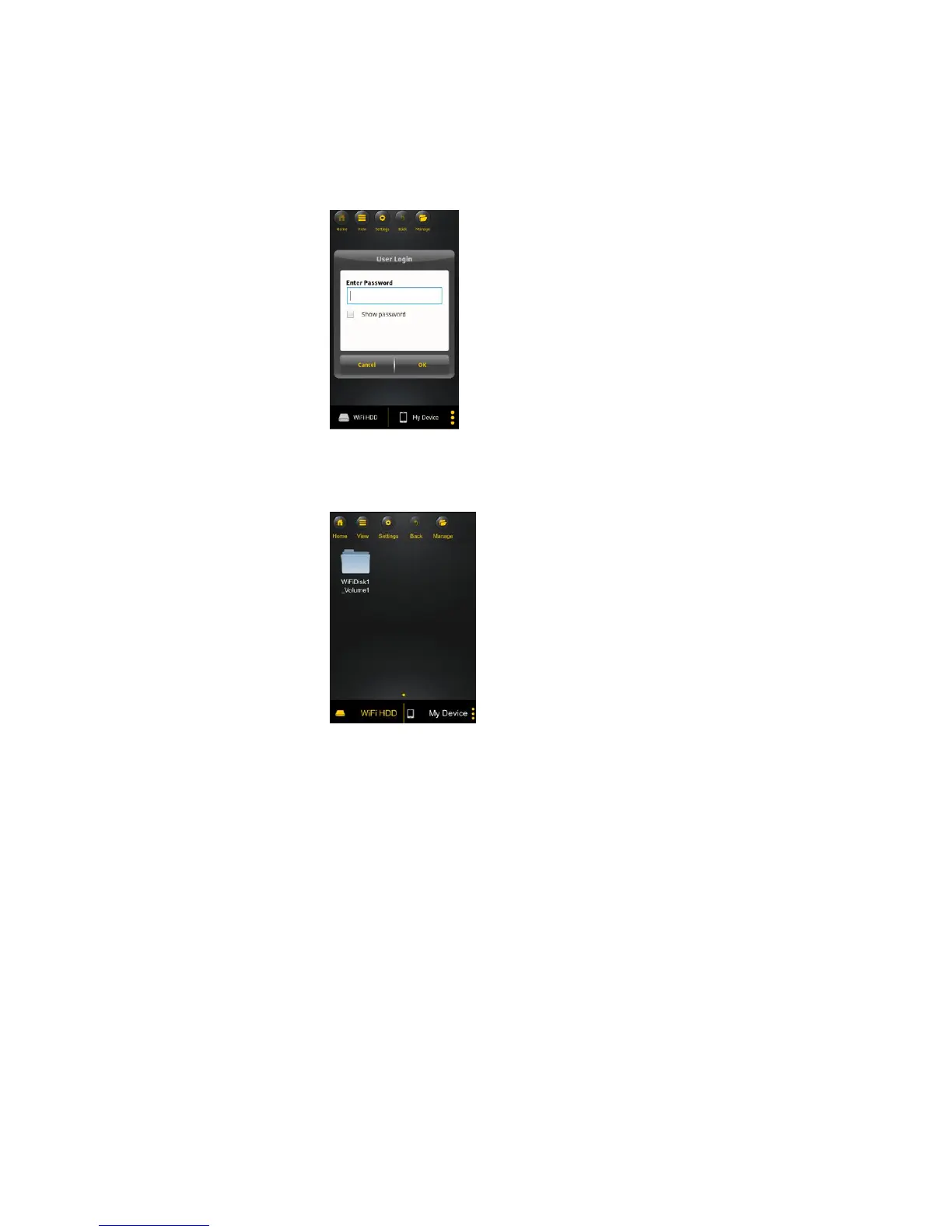
2. Enter the Admin password that you assigned during the configuration process (default: 00000).
The password is only required during the first login. The device remembers the password and there
is no need to enter it again the second time you login.
3. Once the password has been entered correctly, you will be automatically connected into the
“Memory 2 Move” menu.
11. Basic Functionality
11.1. iOS Device Client
Once you have successfully connected to the “Memory 2 Move”, by default, you will be inside the
“Memory 2 Move” menu. “My Device” is the device that you are using to access the “Memory 2
Move”. Few buttons that can be found inside the Main Screen as listed below.



 To Next Page