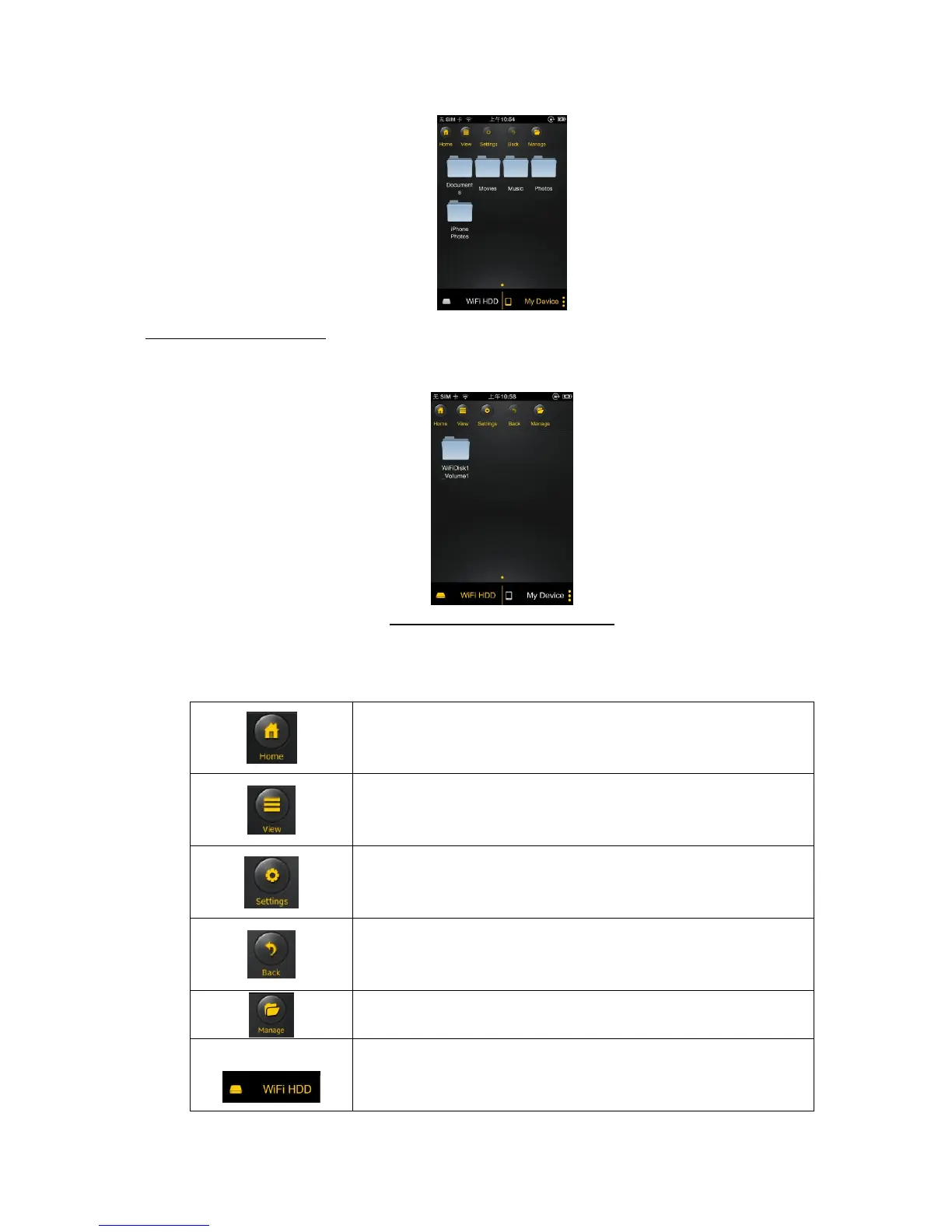
My Device Main Screen View – By default, the Documents folder, Music folder, Photos Folder, Videos
folders and iPad (or iPhone) folder are available to easily organize your files inside the My Device.
“Memory 2 Move” Main Screen View
Home Button – back to the main screen.
View Button – change to List or Thumbnail view.
Settings Button – change the “Memory 2 Move” configuration.
Back Button – back to previous screen



 To Next Page