My Device – the device that you are using to access the “Memory 2 Move” or the Local
Storage
Status Button – to view the Transfer status list, About information, and now playing
music
11.2. Android Device Client
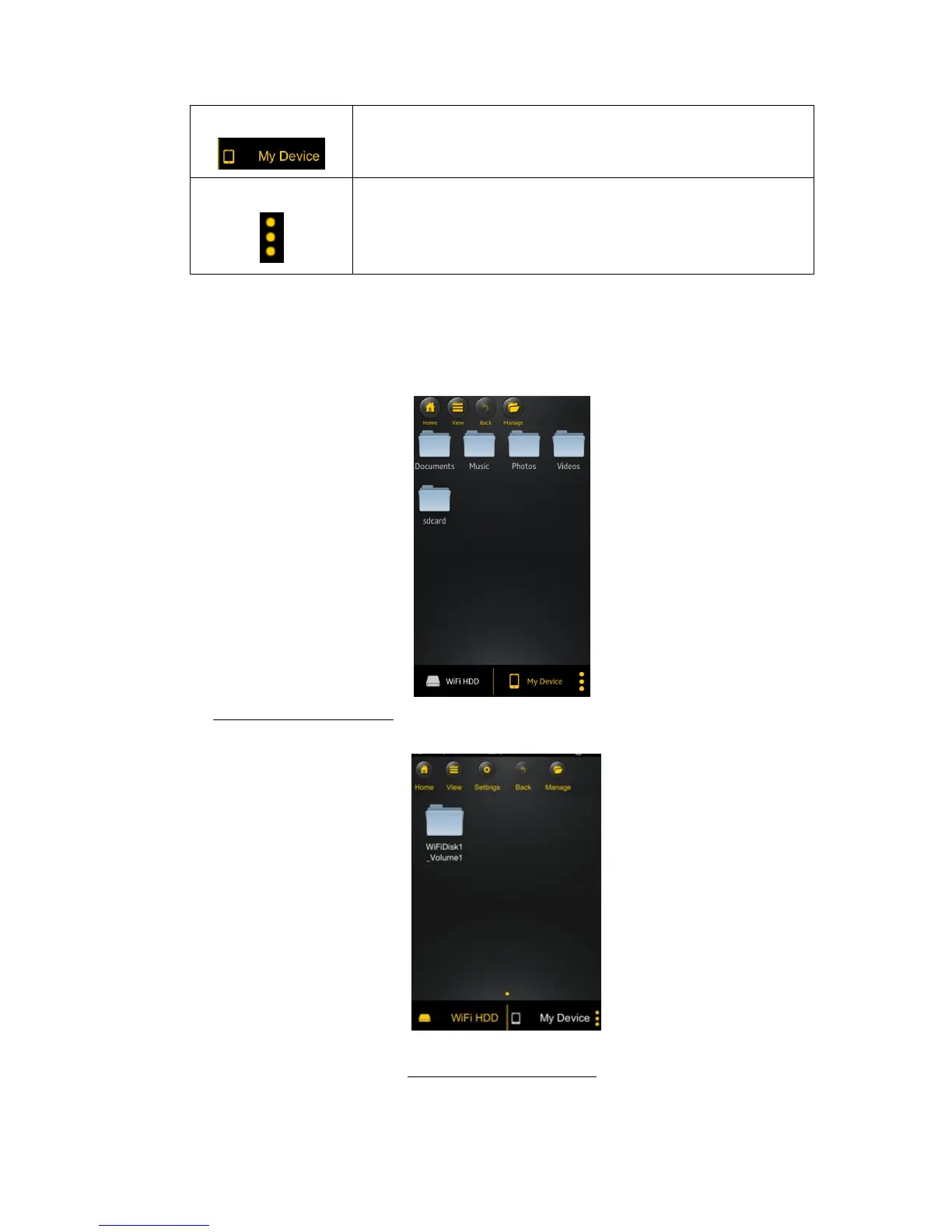
Once you have successfully connected to the “Memory 2 Move”, by default, you will be inside the
“Memory 2 Move” menu. “My Device” is the device that you are using to access the “Memory 2
Move”. Few buttons that can be found inside the Main Screen as listed below.
My Device Main Screen View – By default, the Documents folder, Music folder, Photos Folder,
Videos folders and SDCard folder are available to easily organize your files inside the My Device.
“Memory 2 Move” Main Screen View



 To Next Page