11.3.2 Modify Device Name
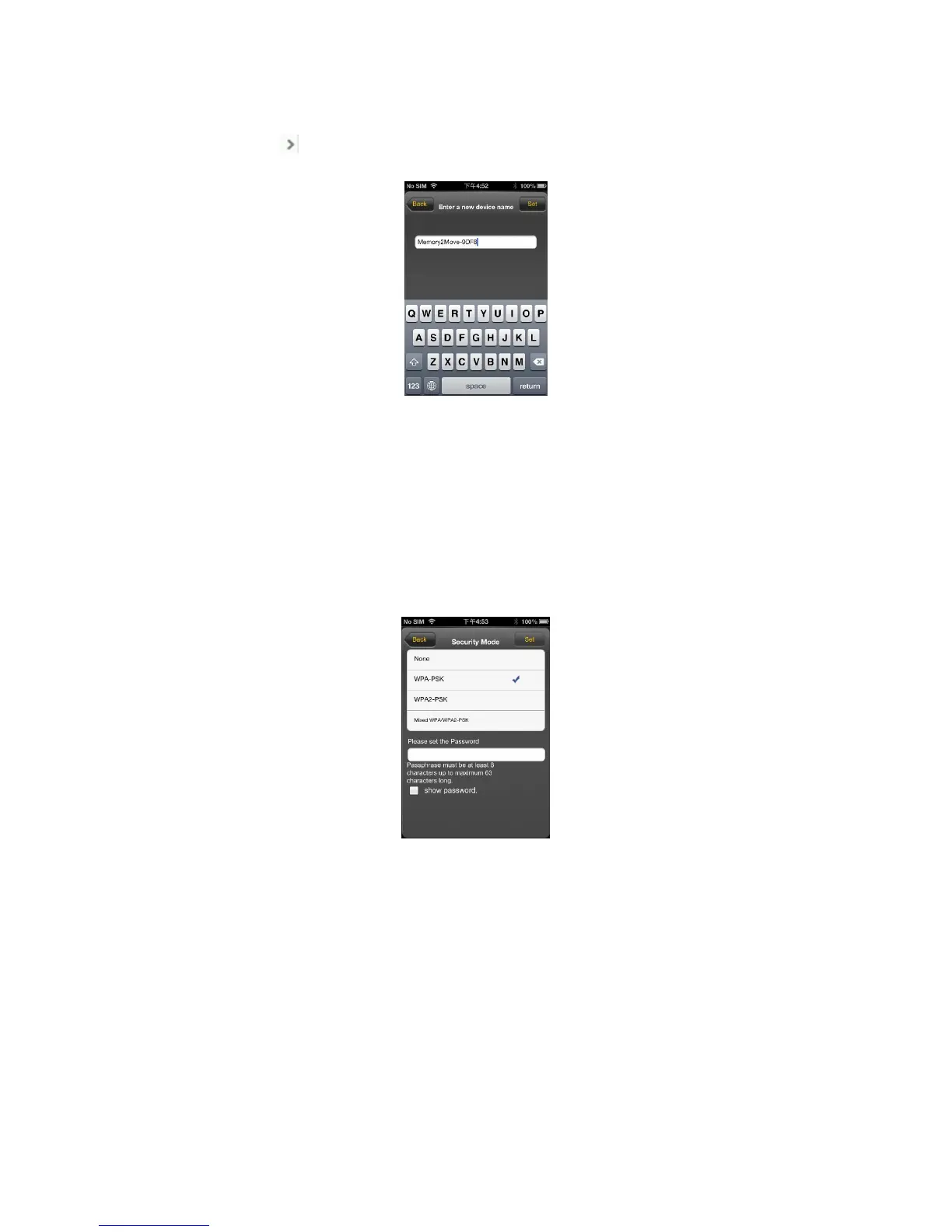
Please press on icon to modify the device name.
After input the new device name, the “Set” button appears, click on the “Set” button to save the new device
name.
11.3.3 Security
Under WiFi HDD Settings the security options appear. The Wi-Fi Disk supports the following security
modes:None、WPA-PSK、WPA2-PSK、Mixed WPA/WPA2-PSK. If you want to select a new security
mode(except "Disabled"),you have to ask for putting the new wireless password in; click on “set” button to
save the new security mode and password.
11.3.4 Internet Mode
Under Internet Settings you will find the internet access. The Wi-Fi Disk supports the following internet
access:, Wireless Mode and Wired Mode. Wireless Mode is AP Client that access internet by wireless to
connect wireless router, Wired Mode is WAN or LAN Router that access internet by Ethernet port to connect
wired router. After select the internet mode, click on “Save” to save the new mode.
Below please find the picture showing the wireless access:



 To Next Page