6. Press and hold to fast-forward the movie while playing.
7. When clicked, it will start playing or resume playing the movie.
8. When clicked, it will pause the movie from playing.
11.5.2. Android
Tip: It is highly recommended to create a folder or folders where to copy all your movie files into
the “Memory 2 Move” for ease of use and file organization.
The movie or video files can be played regardless if you are inside the “Memory 2 Move” or “My
Device.
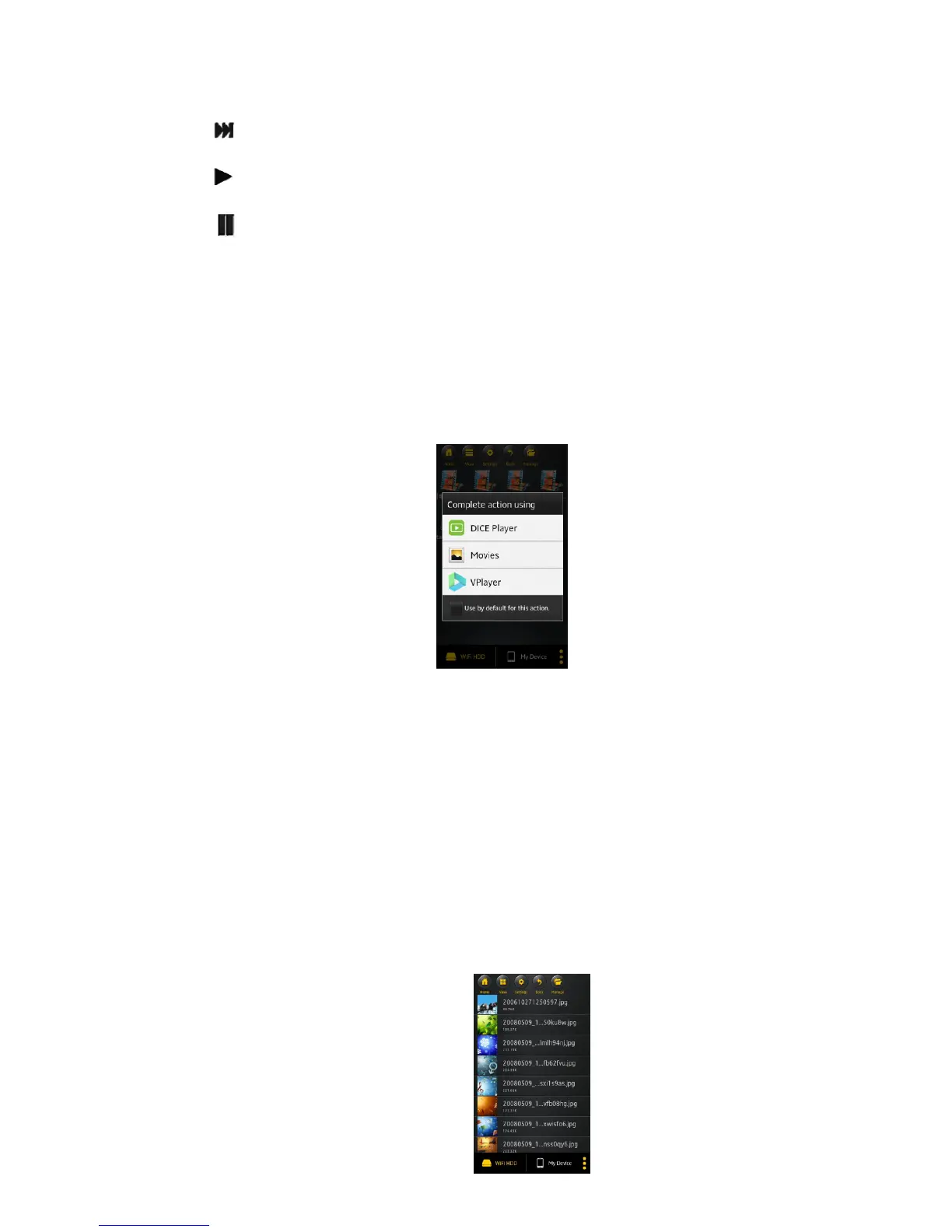
Simply locate the movie or video file that you would like to play. Click on the file and the list of movie
player will appear as seen on the screenshot below.
Note: The control panel will vary depending on the movie player installed on your Android devices. Please
consult the movie player’s user guide on how to control the movie.
11.6 Viewing/playing photos
11.6.1. iOS
Tip: It is highly recommended to create a folder or folders where to copy all your pictures into the
“Memory 2 Move” for simply use and file organization.
Note: The “Memory 2 Move” currently supports .jpg, tiff, gif and .bmp images.
The supported images can be viewed as thumbnails or as a list as seen on the screenshot below. Any
images that are not supported can be viewed as a generic thumbnail or icon.



 To Next Page