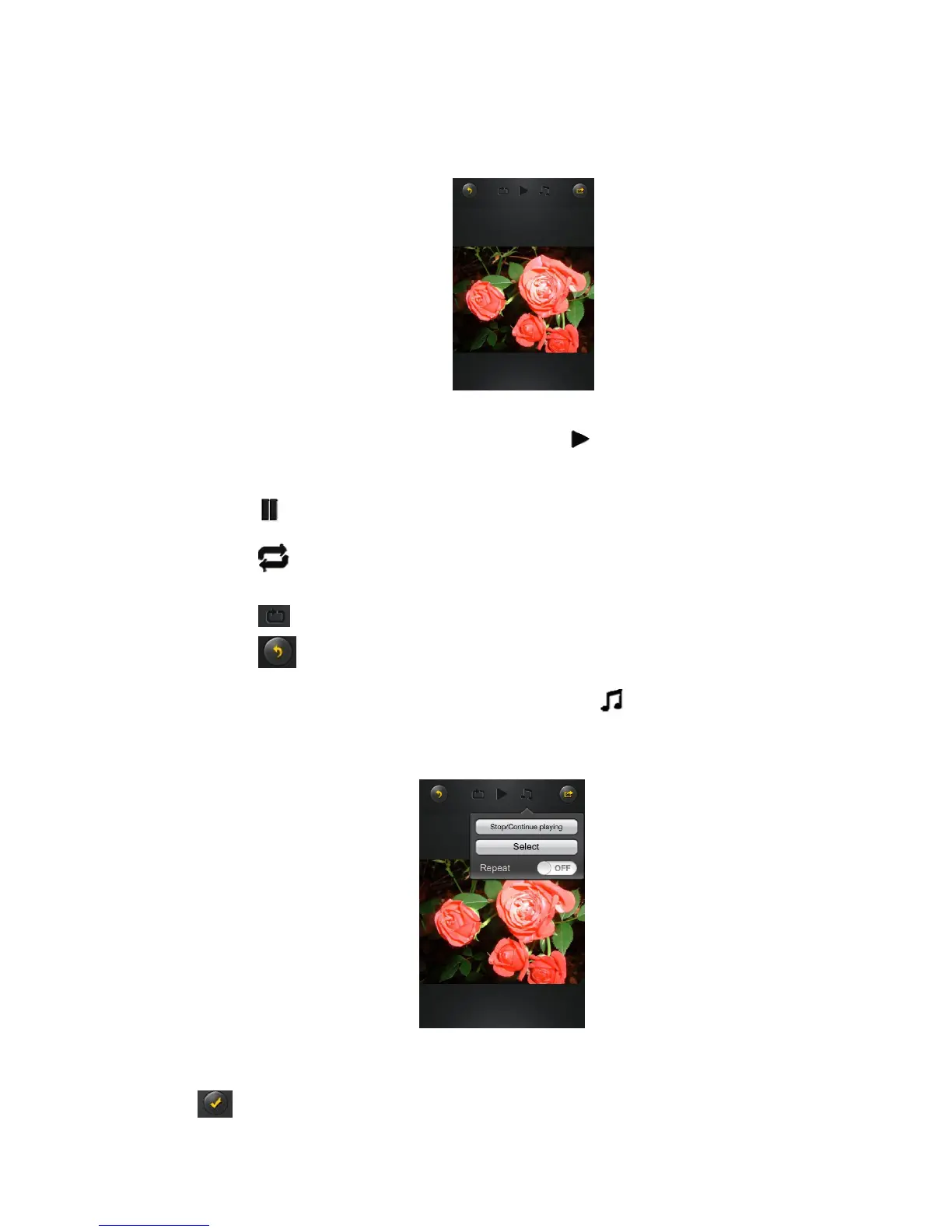
Click on any pictures or images and it will automatically play. Afterwards the menu bar shall appear as
shown on the picture below.
There are few functions available to control the slideshow. You can swipe your finger across the
screen to manually view the pictures or images or click the button, to automatically play the
slideshow.
Click the button to stop the slideshow from playing and press again to continue playing.
Click the button to restart or to replay the slideshow.
Click the button to play the slideshow once and it will stop at the last image or photo.
Click the button to return from the previous screen.
Background music can be added while playing the slideshow. Click the button as seen on the
screenshot below.
Stop/Continue playing button - to stop or continue playing the background music. Select button -
search and locate the file or files that you would like to play as the background music. Click on the
to return to the slideshow as seen on the screenshot below.



 To Next Page