Repeat button – the background music will continue playing the same music when it is switched-on.
By default, this option is switched-off.
11.6.2. Android
Tip: It is highly recommended to create a folder or folders where to copy all your pictures into the
“Memory 2 Move” for simply use and file organization.
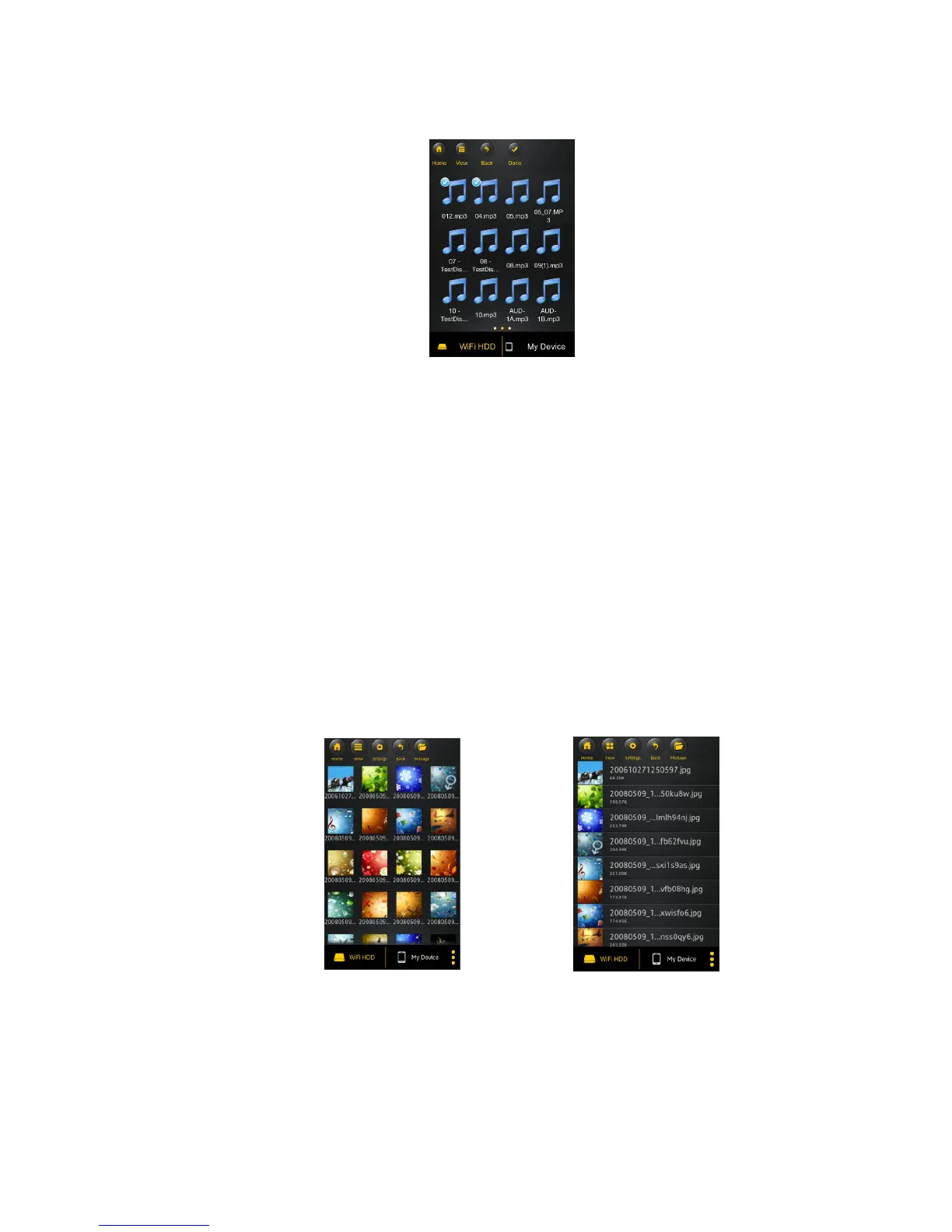
Note: Please consult your device manual to check whether it will support the photo files that you
would like to play. The supported images can be viewed as thumbnails or as a list as seen on the
screenshot below. Any images that are not supported can be viewed as a generic thumbnail or
icon.
Click on any pictures or images and it will automatically play. Afterwards the menu bar shall appear
as shown on the picture below.
Thumbnail view
List view



 To Next Page