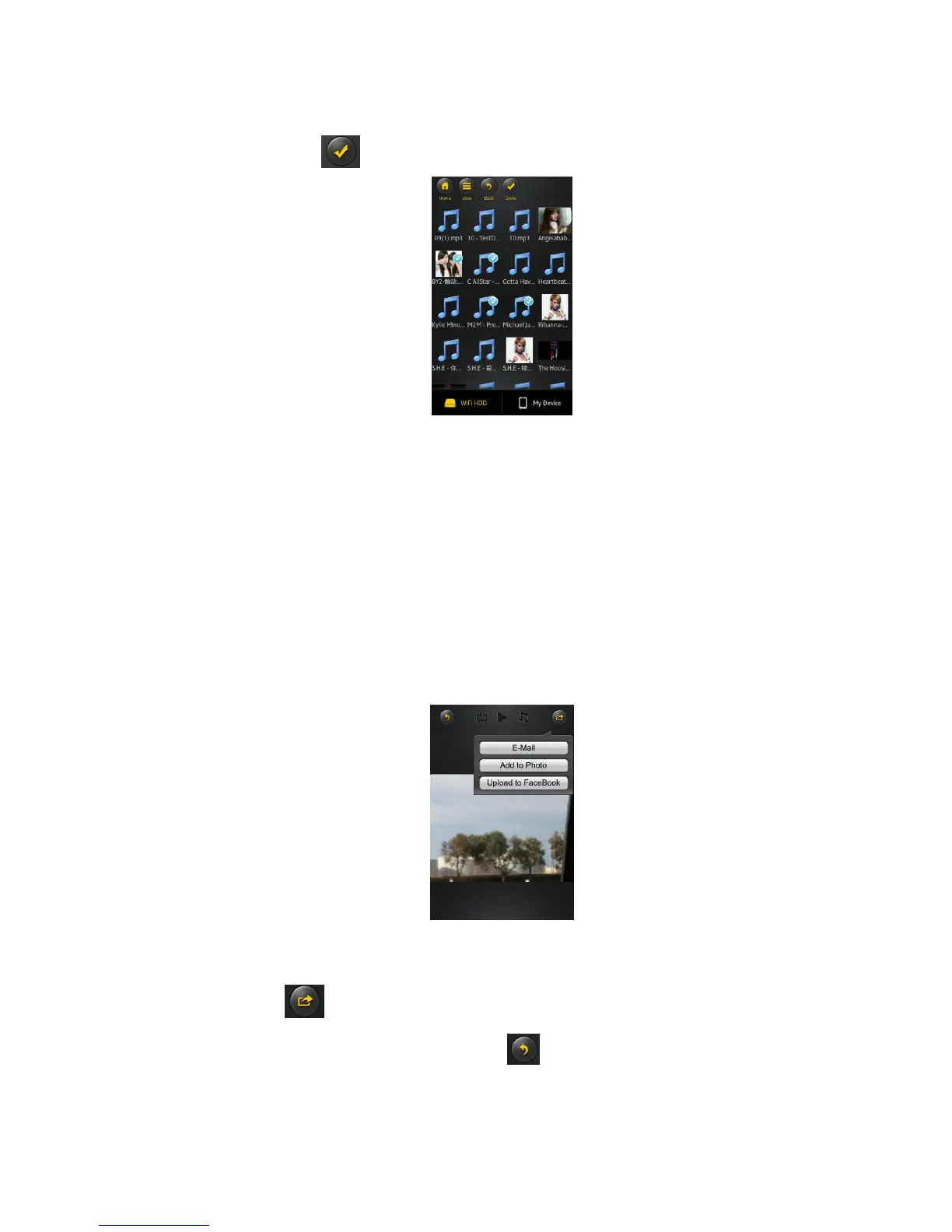
Select button - search and locate the file or files that you would like to play as the background
music. Click on the to return to the slideshow as seen on the screenshot below.
Repeat button – the background music will continue playing the same music when it is switched-on.
By default, this option is switched-off.
11.7. Sharing photos/images
11.7.1. iOS
There are few options to share photos/image to your friends and family; by email, saving to the
device Photo Album and upload to Facebook.
Note: Internet connection is required to share photos/images via email or accessing any social
media network.
Click on the button located at the top right of the screen to show the three options
available to share your photos/images. Click the button to return from the previous screen.



 To Next Page