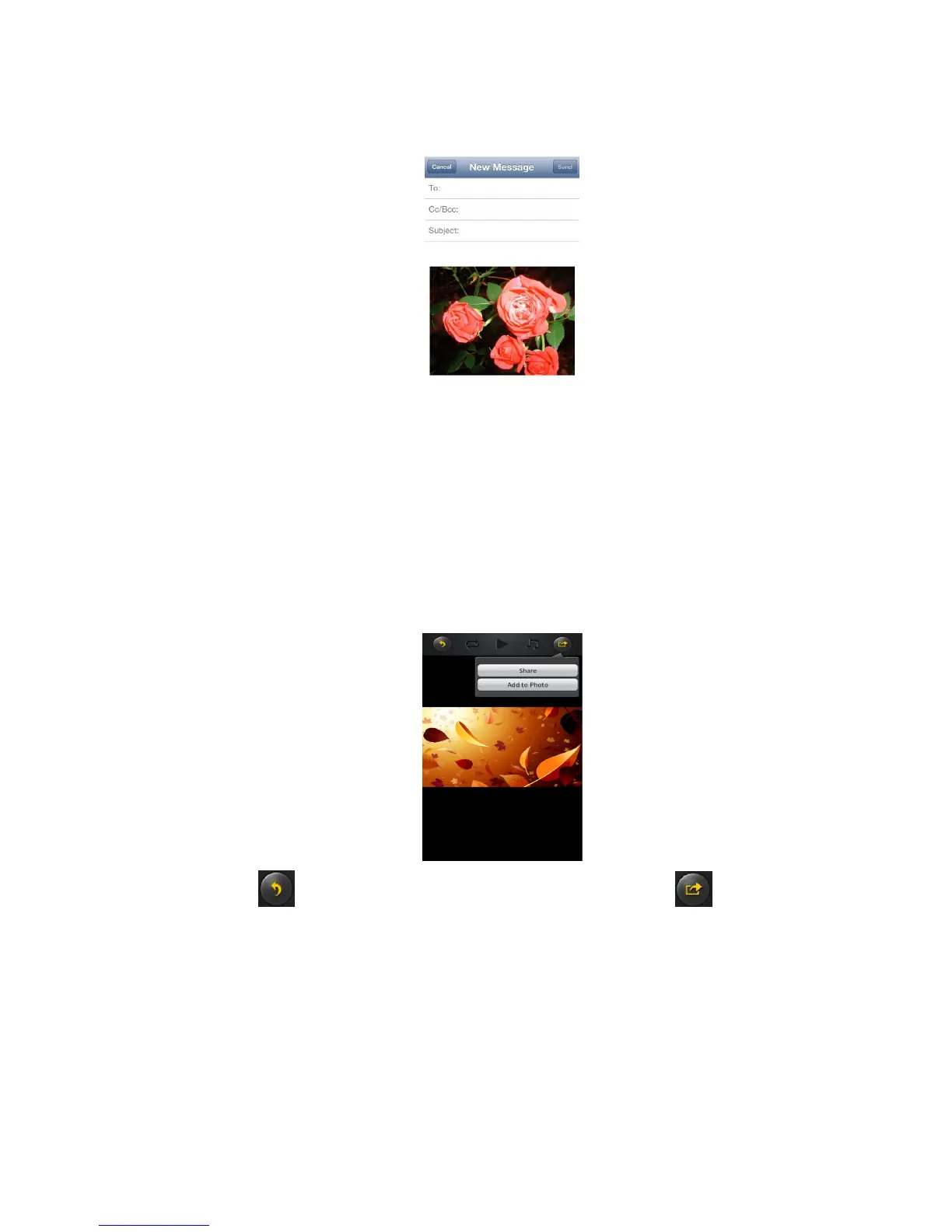
1)E-Mail button – this button will launch the default e-Mail app to send the photo as an attachment.
2)Add to photo – when selected, the selected photo/image will be saved into the Photo Album of
the device.
3)Upload to Facebook – when selected, you will be directed to the Facebook login screen. The
Facebook app must be installed on your device. Facebook login and password is required.
11.7.2. Android
Sharing photos/images using your Android device will vary depending on the apps installed on your device.
Note: Internet connection is required to share photos/images via email or accessing any social
media networks.
Click the button to return from the previous screen or to exit. Click the button located
at the top right of the screen to show the 2 options available to share your photos/images.
1) Share button – when selected, a list of app installed on your Android will appear as seen on the
screenshot below. You may select from the list which app to launch.



 To Next Page