Need help?
Do you have a question about the Inter-m PA-4000A and is the answer not in the manual?
Safety warnings, including electrical shock and environmental hazards for the amplifier.
Guidelines for placing the amplifier in a suitable environment to ensure performance and longevity.
A list of crucial safety precautions to follow during installation and operation of the amplifier.
Lists the accessories provided with the product, specifically mentioning the AC power cord.
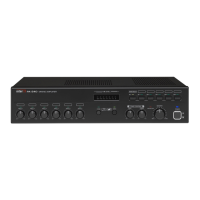
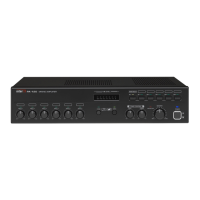
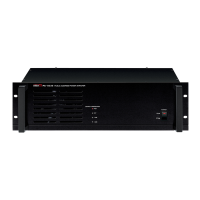
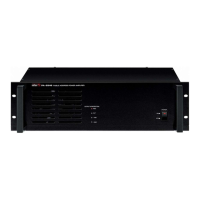
Details front panel elements like Graphic Equalizer, Volume controls, Input jacks, and displays.
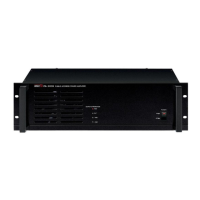
Explains AC power inlet, voltage selector, fuse holder, and various input/output terminals on the rear panel.
Provides guidance on connecting speakers using 4Ω, 8Ω low-impedance and high-impedance modes.
Presents detailed internal block diagrams for the PA-2000A/4000A and PA-6000A models.
Details technical specifications such as rated output, frequency response, S/N, and power consumption for all models.
Guidance on troubleshooting and seeking service for the amplifier, referring to warranty provider.
Information on how to obtain the amplifier's schematic diagram and parts list from the warranty provider.
Notes on compatibility of products with local AC power requirements from legitimate sources.
States that no optional items are available for this specific product.


 To Next Page
 General