70
MOVING ON
Axxess
®
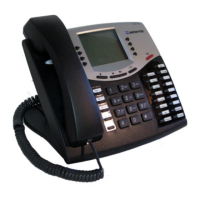
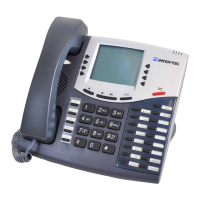
Model 8560 Phone and Model 8660 IP Phone User Guide
Remote Feature Access
To access your phone from another phone:
1. EITHER, Call your Direct Inward System Access (DISA) number (provided by
your system administrator). If required, enter your password.
OR, Use any phone on the system.
2. Enter .
3. Enter your extension number.
4. Enter your password followed by . You can now use any of the following fea-
tures.
To change the station password using Remote Programming:
a. Enter .
b. Enter the new password, followed by .
c. Enter the new password again for verification, followed by .
To turn on DND:
a. Enter
.
b. Enter the message number (01-20) and the optional second-line message text.
To turn off DND: Enter
.
To turn on Call Forward:
a. Enter one of the following Call Forward feature codes.
All Calls
.......................
If No Answer ................
If Busy.........................
If No Answer or Busy .....
b. Enter an extension number or enter an outside line access code followed by a
telephone number.
To turn off Call Forward: Enter
.
5. Hang up.
3 5 9
#
3 9
2
#
#
3 7 0
3 7
1
3 5 5
3 5 6
3 5 7
3 5
8
3 5 5


 To Next Page